Writegen – ChatGPT AI Content Generator plugin Security & Risk Analysis
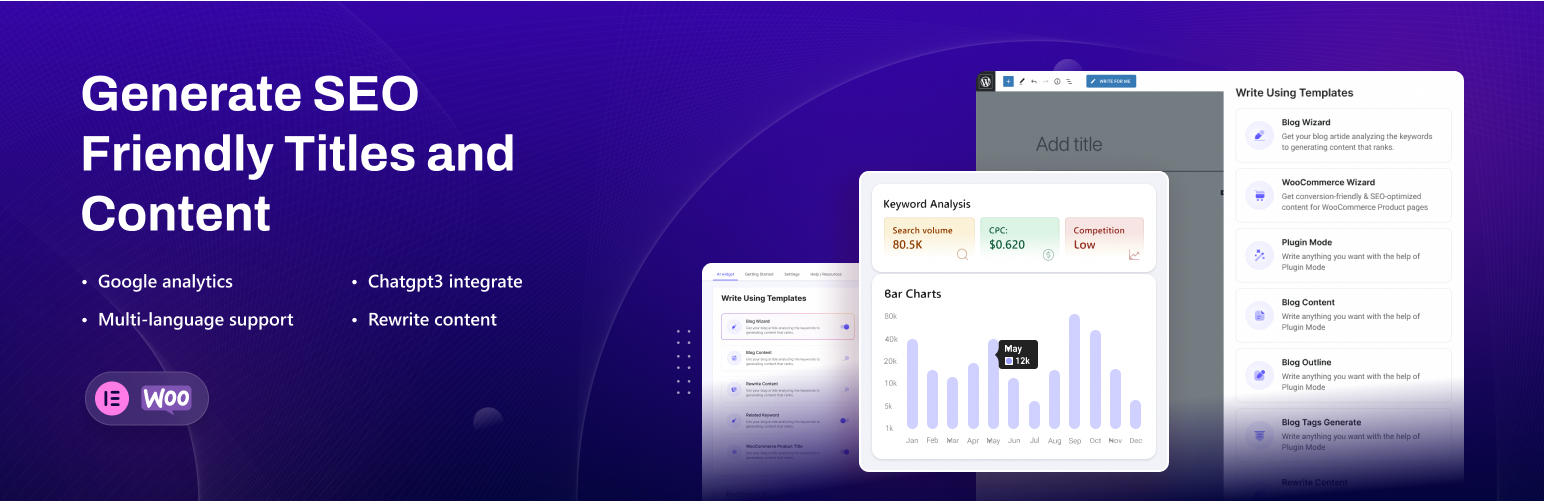
wordpress.org/plugins/writegenWritegen ChatGPT AI content generator plugin, you'll be creating high-quality, SEO-friendly content faster than ever before.
Is Writegen – ChatGPT AI Content Generator plugin Safe to Use in 2026?
Generally Safe
Score 100/100Writegen – ChatGPT AI Content Generator plugin has no known CVEs and is actively maintained. It's a solid choice for most WordPress installations.
The writegen plugin v1.0.6 exhibits a mixed security posture. On the positive side, it demonstrates strong practices regarding SQL queries, utilizing prepared statements exclusively, and has no recorded vulnerabilities or CVEs. The absence of dangerous functions, file operations, and external HTTP requests further contributes to its security. However, significant concerns arise from its attack surface. All identified entry points, specifically two REST API routes, lack proper permission callbacks. This means that any unauthenticated user could potentially interact with these routes, presenting a substantial risk of unauthorized access or manipulation if these endpoints handle sensitive data or actions. Additionally, a notable portion (58%) of output is not properly escaped, creating a risk of Cross-Site Scripting (XSS) vulnerabilities, especially if the data processed by the REST API routes is directly reflected in the output.
Key Concerns
- REST API routes without permission callbacks
- Significant percentage of unescaped output
Writegen – ChatGPT AI Content Generator plugin Security Vulnerabilities
Writegen – ChatGPT AI Content Generator plugin Release Timeline
Writegen – ChatGPT AI Content Generator plugin Code Analysis
Output Escaping
Data Flow Analysis
Writegen – ChatGPT AI Content Generator plugin Attack Surface
REST API Routes 2
WordPress Hooks 11
Maintenance & Trust
Writegen – ChatGPT AI Content Generator plugin Maintenance & Trust
Maintenance Signals
Community Trust
Writegen – ChatGPT AI Content Generator plugin Alternatives

AI Engine – The Chatbot, AI Framework & MCP for WordPress
ai-engine
AI meets WordPress. Your site can now chat, write poetry, solve problems, and maybe make you coffee.

Uncanny Automator – Easy Automation, Integration, Webhooks & Workflow Builder Plugin
uncanny-automator
Uncanny Automator is the easiest and most powerful way to connect your WordPress plugins, sites and apps together with powerful automations.

AI Provider for OpenAI
ai-provider-for-openai
AI Provider for OpenAI for the PHP AI Client SDK.

AI Puffer – Chat. Create. Automate. (formerly AI Power)
gpt3-ai-content-generator
Chat. Create. Automate.

GeekyBot — AI Copilot, Chatbot, WooCommerce Lead Gen & Zero-Prompt Content
geeky-bot
Transform your WordPress website into an AI powerhouse. GeekyBot is the ultimate all-in-one AI plugin that brings intelligent chatbots, WooCommerce le …
Writegen – ChatGPT AI Content Generator plugin Developer Profile
1 plugin · 10 total installs
How We Detect Writegen – ChatGPT AI Content Generator plugin
Patterns used to identify this plugin on WordPress sites during automated security audits and web crawling.
Asset Fingerprints
/wp-content/plugins/writegen/assets/admin/css/wrig-admin.css/wp-content/plugins/writegen/assets/admin/js/gutenbergbutton.js/wp-content/plugins/writegen/assets/admin/js/nice-select.js/wp-content/plugins/writegen/assets/admin/js/stepform.js/wp-content/plugins/writegen/assets/admin/js/apexcharts.js/wp-content/plugins/writegen/assets/admin/js/wrig-admin.js/wp-content/plugins/writegen/assets/admin/js/gutenbergbutton.js/wp-content/plugins/writegen/assets/admin/js/nice-select.js/wp-content/plugins/writegen/assets/admin/js/stepform.js/wp-content/plugins/writegen/assets/admin/js/apexcharts.js/wp-content/plugins/writegen/assets/admin/js/wrig-admin.jswrig-admingutenberg-custom-buttonnice-selectstep-formapexchartsHTML / DOM Fingerprints
wrig-meta-descriptionwrg_meta_noncewrig-meta-description_wrig_meta_descriptionwrig_data/wp-json/writegen/v1/settings