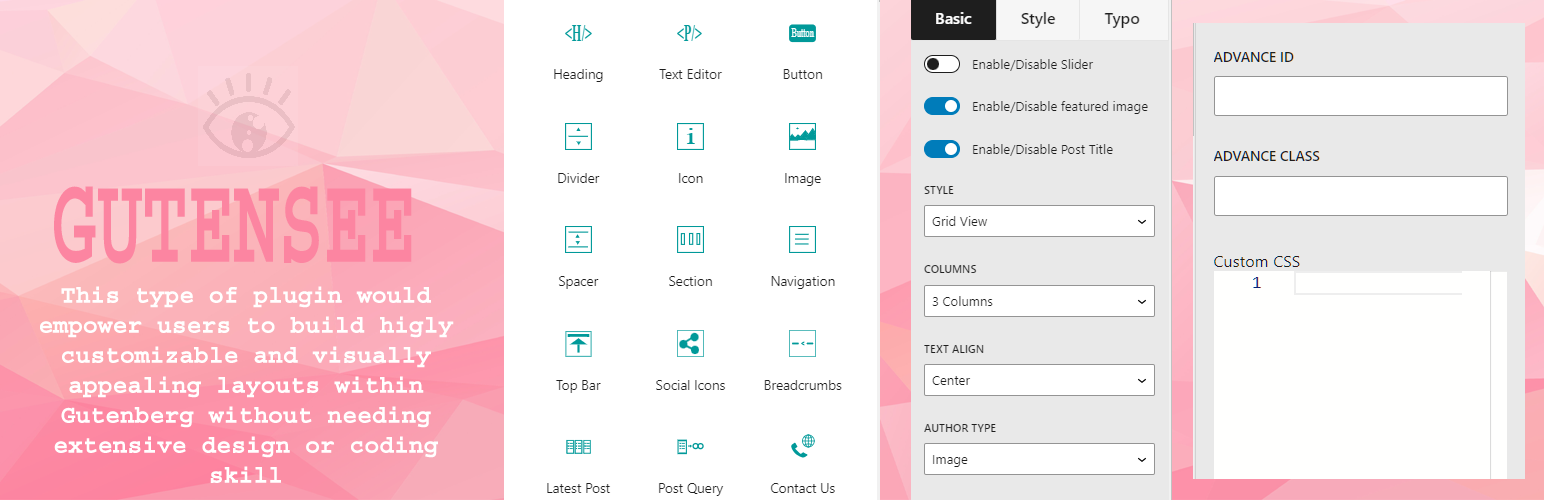
Gutensee Security & Risk Analysis
wordpress.org/plugins/gutenseeGutensee is a Gutenberg base block plugin that helps to build a beautiful block websites.
Is Gutensee Safe to Use in 2026?
Generally Safe
Score 91/100Gutensee has a strong security track record. Known vulnerabilities have been patched promptly. It's a solid choice for most WordPress installations.
The "gutensee" plugin version 1.0.7 exhibits a mixed security posture. On the positive side, the plugin demonstrates good practices by exclusively using prepared statements for its SQL queries and ensuring all output is properly escaped. It also correctly implements a nonce check and avoids using dangerous functions or bundled libraries. However, significant concerns arise from its attack surface. The plugin exposes one REST API route without any permission callbacks, creating a direct entry point that is unprotected. While static analysis and taint analysis did not reveal immediate vulnerabilities in the current version's code, the presence of an unprotected REST API endpoint is a critical security oversight. The plugin's vulnerability history includes one medium-severity CVE related to Cross-site Scripting, which has since been patched. This past vulnerability, combined with the current unprotected REST API route, suggests a need for greater vigilance in securing all entry points. In conclusion, while the plugin excels in secure coding practices for SQL and output handling, the unprotected REST API endpoint presents a tangible risk that requires immediate attention.
Key Concerns
- Unprotected REST API route
- Past medium severity XSS vulnerability
Gutensee Security Vulnerabilities
CVEs by Year
Severity Breakdown
1 total CVE
Gutensee <= 1.0.6 - Authenticated (Contributor+) Stored Cross-Site Scripting
Gutensee Release Timeline
Gutensee Code Analysis
SQL Query Safety
Output Escaping
Gutensee Attack Surface
REST API Routes 1
WordPress Hooks 13
Maintenance & Trust
Gutensee Maintenance & Trust
Maintenance Signals
Community Trust
Gutensee Alternatives

Otter Blocks – Gutenberg Blocks, Page Builder for Gutenberg Editor & FSE
otter-blocks
Quickly create WordPress pages with 20+ blocks, 100+ ready-to-import designs, and advanced editor extensions. It’s website building, Lego-style!

Widget Logic
widget-logic
Widget Logic lets you control on which pages widgets appear using WP's conditional tags.

Widget Options – Advanced Conditional Visibility for Gutenberg Blocks & Classic Widgets
widget-options
Widget Options gives you super powers to control your site’s sidebar widgets and all Gutenberg blocks on pages, posts & other custom post types.

WDesignKit – Elementor & Gutenberg Starter Templates, Patterns, Cloud Workspace & Widget Builder
wdesignkit
3000+ Elementor Templates, Gutenberg Templates, Widgets Builder for Elementor, Gutenberg & Bricks, Cloud Workspace & Figma Files, 160+ Widgets Library

Classic Editor and Classic Widgets
classic-editor-and-classic-widgets
Disables Gutenberg editor totally everywhere and enables Classic Editor and Classic Widgets.
Gutensee Developer Profile
1 plugin · 0 total installs
How We Detect Gutensee
Patterns used to identify this plugin on WordPress sites during automated security audits and web crawling.
Asset Fingerprints
/wp-content/plugins/gutensee/build/index.js/wp-content/plugins/gutensee/assets/css/animate.css/wp-content/plugins/gutensee/assets/css/menu.css/wp-content/plugins/gutensee/assets/css/style.css/wp-content/plugins/gutensee/assets/css/font-awesome/css/all.min.css/wp-content/plugins/gutensee/assets/css/slick.css/wp-content/plugins/gutensee/assets/js/font-awesome/js/brands.js/wp-content/plugins/gutensee/assets/js/slick.min.js+1 more/wp-content/plugins/gutensee/build/index.js/wp-content/plugins/gutensee/assets/js/font-awesome/js/brands.js/wp-content/plugins/gutensee/assets/js/slick.min.jsgutensee-main?ver=1.0.0gutensee-animate?ver=1.0.0gutensee-menu?ver=1.0.0gutensee-style?ver=1.0.0gutensee-fontawesome-css?ver=1.0.0gutensee-slick-css?ver=1.8.1gutensee-fontawesome?ver=1.0.0gutensee-slick-js?ver=1.8.1gutensee-slickslider-theme-css?ver=1.8.1HTML / DOM Fingerprints
gutenseefailed to copyfailed to copy $plugin_dir_left to $theme_dir_left...