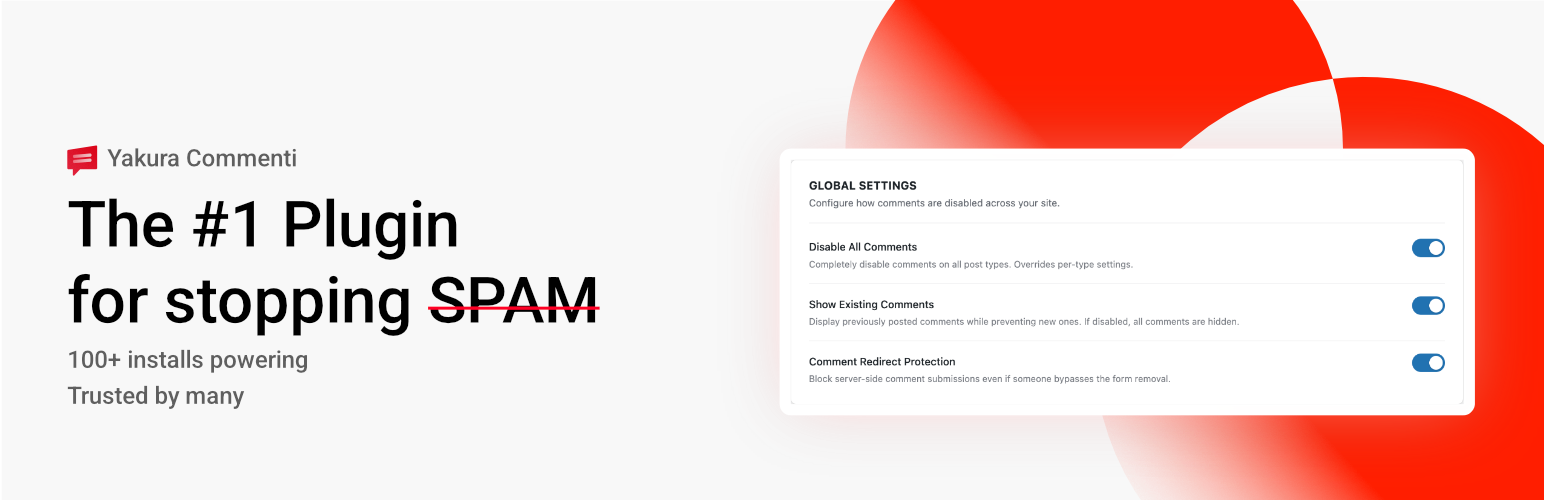
Commenti – Disable & Remove Comments, Stop Spam [Multi-Site Support] Security & Risk Analysis
wordpress.org/plugins/yakura-commentiDisable and remove comments site-wide or per post type. Control REST API, feeds, XML-RPC, admin UI, and avatars. Multisite ready
Is Commenti – Disable & Remove Comments, Stop Spam [Multi-Site Support] Safe to Use in 2026?
Generally Safe
Score 100/100Commenti – Disable & Remove Comments, Stop Spam [Multi-Site Support] has no known CVEs and is actively maintained. It's a solid choice for most WordPress installations.
The "yakura-commenti" v1.0.0 plugin appears to have a generally strong security posture based on the provided static analysis. The absence of known CVEs and a clean vulnerability history is a significant positive indicator. The code demonstrates good practices with a high percentage of properly escaped output and a substantial number of nonce and capability checks. The lack of external HTTP requests and bundled libraries further reduces potential attack vectors.
However, a critical area of concern lies within the taint analysis, specifically the presence of four "flows with unsanitized paths." While no critical or high-severity taint flows were identified, unsanitized paths can often lead to path traversal or file inclusion vulnerabilities if not handled correctly by the application logic. Additionally, the static analysis reveals that 50% of SQL queries are not using prepared statements (3 out of 6). This practice, while not leading to identified vulnerabilities in this version, represents a significant risk of SQL injection if input is not meticulously sanitized. The plugin's total entry points are solely comprised of AJAX handlers, and while all are reported as having authorization checks, any oversight in these checks could expose these handlers.
In conclusion, "yakura-commenti" v1.0.0 exhibits many good security practices, particularly in output escaping and the lack of historical vulnerabilities. The primary weaknesses stem from the presence of unsanitized paths in taint flows and the use of raw SQL queries. Addressing these specific issues would significantly improve the plugin's overall security.
Key Concerns
- Unsanitized paths in taint flows
- SQL queries not using prepared statements
Commenti – Disable & Remove Comments, Stop Spam [Multi-Site Support] Security Vulnerabilities
Commenti – Disable & Remove Comments, Stop Spam [Multi-Site Support] Release Timeline
Commenti – Disable & Remove Comments, Stop Spam [Multi-Site Support] Code Analysis
SQL Query Safety
Output Escaping
Data Flow Analysis
Commenti – Disable & Remove Comments, Stop Spam [Multi-Site Support] Attack Surface
AJAX Handlers 8
WordPress Hooks 17
Scheduled Events 1
Maintenance & Trust
Commenti – Disable & Remove Comments, Stop Spam [Multi-Site Support] Maintenance & Trust
Maintenance Signals
Community Trust
Commenti – Disable & Remove Comments, Stop Spam [Multi-Site Support] Alternatives
![Disable Comments – Remove Comments & Stop Spam [Multi-Site Support]](https://ps.w.org/disable-comments/assets/icon-128x128.png)
Disable Comments – Remove Comments & Stop Spam [Multi-Site Support]
disable-comments
Allows administrators to globally disable comments on their site. Comments can be disabled according to post type. Multisite friendly.

Turn Off Comments — Hide Comment Box and Stop Spam
turn-off-comments
Remove comments functionality from your website!

Habibur Comment Blocker
habibur-comment-blocker
Effortlessly disable comments and pingbacks sitewide to improve performance and security.

WP Comment Cleaner – Delete All Comments, Disable Comments, Bulk Delete & Remove Comments
delete-all-comments-of-website
Delete, disable, and clean all comments in one click. Easily manage, bulk delete, or completely disable comments across your entire WordPress site.

Disable Comments & Delete All Comments
comments-plus
Disable comments globally on all posts or certain post types. Delete all comments at once, by post type or comment status. Manage links in comments.
Commenti – Disable & Remove Comments, Stop Spam [Multi-Site Support] Developer Profile
1 plugin · 0 total installs
How We Detect Commenti – Disable & Remove Comments, Stop Spam [Multi-Site Support]
Patterns used to identify this plugin on WordPress sites during automated security audits and web crawling.
Asset Fingerprints
/wp-content/plugins/yakura-commenti/assets/css/admin-settings.css/wp-content/plugins/yakura-commenti/assets/js/admin-settings.js/wp-content/plugins/yakura-commenti/assets/js/gutenberg-disable.js/wp-content/plugins/yakura-commenti/assets/js/admin-settings.js/wp-content/plugins/yakura-commenti/assets/js/gutenberg-disable.jsyakura-commenti/assets/css/admin-settings.css?ver=yakura-commenti/assets/js/admin-settings.js?ver=yakura-commenti/assets/js/gutenberg-disable.js?ver=HTML / DOM Fingerprints
yakura-commenti-admin-settingsyakura-commenti-gutenberg-disable_yakura_commenti_overrideyakuraCommentiAdmin/yakura-commenti/v1/