WebChange Detector: Visual Regression Testing & Visual Checks After Updates Security & Risk Analysis
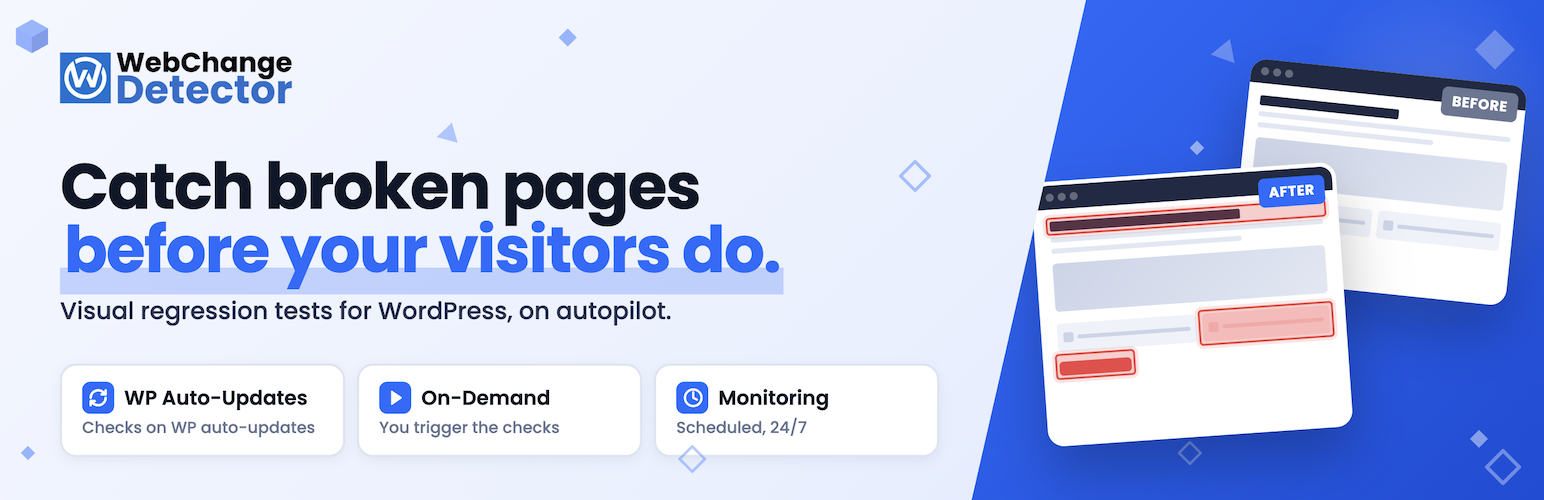
wordpress.org/plugins/webchangedetectorVisual regression testing for WordPress: catch broken layouts after auto-updates, plugin installs, or deploys before your visitors do.
Is WebChange Detector: Visual Regression Testing & Visual Checks After Updates Safe to Use in 2026?
Generally Safe
Score 100/100WebChange Detector: Visual Regression Testing & Visual Checks After Updates has no known CVEs and is actively maintained. It's a solid choice for most WordPress installations.
The 'webchangedetector' v4.2.2 plugin exhibits a concerning security posture primarily due to a large attack surface exposed through AJAX handlers without authentication checks. While the static analysis indicates good practices in other areas, such as the complete absence of dangerous functions, 100% prepared SQL statements, and nearly all output being properly escaped, the unprotected AJAX endpoints represent a significant risk. The lack of nonce checks and capability checks on these 25 AJAX handlers means that any user, even unauthenticated ones, could potentially trigger arbitrary actions on the website by interacting with these endpoints. The taint analysis shows some unsanitized paths, although no critical or high severity issues were identified, suggesting that while data might not be handled perfectly, it doesn't immediately lead to severe compromises. The plugin's clean vulnerability history is a positive sign, indicating a lack of past exploitable issues, but this does not mitigate the immediate risks presented by the unprotected entry points. Overall, the plugin has strengths in its code hygiene regarding SQL and output escaping but a critical weakness in its handling of AJAX endpoints, demanding immediate attention to implement proper authentication and authorization checks.
Key Concerns
- AJAX handlers without auth checks
- AJAX handlers without nonce checks
- Unsanitized paths in taint analysis
WebChange Detector: Visual Regression Testing & Visual Checks After Updates Security Vulnerabilities
WebChange Detector: Visual Regression Testing & Visual Checks After Updates Release Timeline
WebChange Detector: Visual Regression Testing & Visual Checks After Updates Code Analysis
SQL Query Safety
Output Escaping
Data Flow Analysis
WebChange Detector: Visual Regression Testing & Visual Checks After Updates Attack Surface
AJAX Handlers 25
WordPress Hooks 24
Scheduled Events 6
Maintenance & Trust
WebChange Detector: Visual Regression Testing & Visual Checks After Updates Maintenance & Trust
Maintenance Signals
Community Trust
WebChange Detector: Visual Regression Testing & Visual Checks After Updates Alternatives

WebChange Detector for MainWP
webchangedetector-for-mainwp
Visual checks for your MainWP updates: before/after screenshots of all child sites in one run, compared automatically.

MainWP Child – Securely Connects to the MainWP Dashboard to Manage Multiple Sites
mainwp-child
MainWP Child establishes a secure link between your WordPress sites and your self-hosted MainWP Dashboard, simplifying site management.

Manage – Centralized site maintenance and monitoring
manage
Manage provides a centralized dashboard to monitor, optimize, and maintain your WordPress sites without switching between individual sites.

WP Umbrella: Update Backup Restore & Monitoring
wp-health
Everything you need to sell WordPress maintenance and manage multiple sites effortlessly: backup, update, uptime monitoring, and security.

Modular DS: Monitor, update, and backup multiple websites
modular-connector
Manage all your WordPress sites from one place. Automate updates, backups, uptime monitoring, security, reports, and more.
WebChange Detector: Visual Regression Testing & Visual Checks After Updates Developer Profile
3 plugins · 200 total installs
How We Detect WebChange Detector: Visual Regression Testing & Visual Checks After Updates
Patterns used to identify this plugin on WordPress sites during automated security audits and web crawling.
Asset Fingerprints
/wp-content/plugins/webchangedetector/admin/css/webchangedetector-admin.css/wp-content/plugins/webchangedetector/public/css/webchangedetector-public.css/wp-content/plugins/webchangedetector/public/js/webchangedetector-public.js/wp-content/plugins/webchangedetector/public/js/webchangedetector-public.jswebchangedetector/admin/css/webchangedetector-admin.css?ver=webchangedetector/public/css/webchangedetector-public.css?ver=webchangedetector/public/js/webchangedetector-public.js?ver=HTML / DOM Fingerprints
wcd-detector-containerwcd-detector-loadingwcd-detector-loadedwcd-detector-diff-containerwcd-detector-diff-imagewcd-detector-diff-canvaswcd-detector-diff-overlaywcd-detector-diff-slider+2 more<!-- Web Change Detector Settings --><!-- Web Change Detector Loading --><!-- Web Change Detector Diff Container -->data-wcd-detector-iddata-wcd-detector-urldata-wcd-detector-selectordata-wcd-detector-diff-thresholddata-wcd-detector-animation-speeddata-wcd-detector-show-legendWebChangeDetectorPublic[web_change_detector]