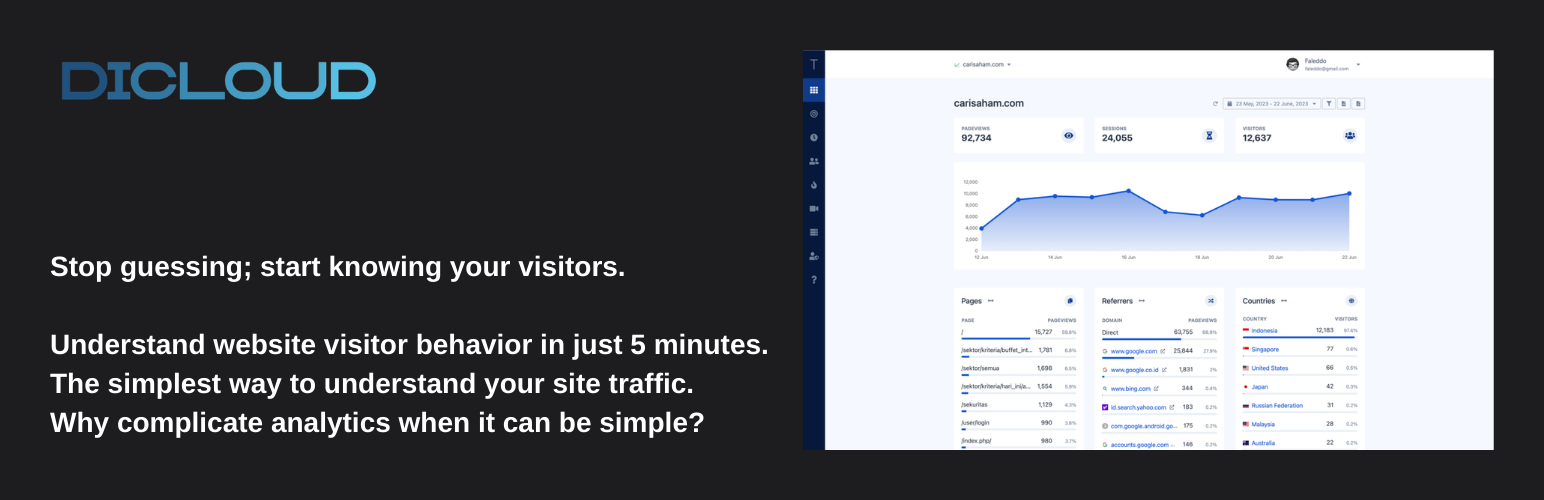
TrackWith Dicloud – Privacy-First Analytics for WordPress Security & Risk Analysis
wordpress.org/plugins/trackwith-dicloudPowerful privacy-first analytics for WordPress. Track visitors, heatmaps, and sessions without compromising user data.
Is TrackWith Dicloud – Privacy-First Analytics for WordPress Safe to Use in 2026?
Generally Safe
Score 100/100TrackWith Dicloud – Privacy-First Analytics for WordPress has no known CVEs and is actively maintained. It's a solid choice for most WordPress installations.
Based on the static analysis, the "trackwith-dicloud" v1.0.0 plugin exhibits a strong security posture. The absence of any identified attack surface entry points (AJAX handlers, REST API routes, shortcodes, cron events) is a significant strength, indicating that the plugin is not directly exposed to common web vulnerabilities that exploit these mechanisms. Furthermore, the code analysis shows excellent adherence to secure coding practices, with 100% of SQL queries using prepared statements and 100% of output properly escaped, mitigating risks of SQL injection and cross-site scripting respectively. The plugin also demonstrates good use of nonces and capability checks, although their presence in a plugin with no apparent entry points is slightly unusual but not inherently a concern.
The vulnerability history is completely clean, with zero recorded CVEs of any severity. This, combined with the positive static analysis results, suggests that the plugin has either not been targeted, or if it has, significant efforts have been made to ensure its security. The plugin also avoids common risks such as file operations and does not bundle external libraries, reducing the potential for vulnerabilities inherited from third-party code. The presence of external HTTP requests (36) is noted, and while not inherently a vulnerability, these represent potential points of failure or data leakage if not handled securely, though the static analysis did not flag any specific issues related to these requests.
In conclusion, "trackwith-dicloud" v1.0.0 appears to be a highly secure plugin from a code perspective. Its strengths lie in its lack of an exposed attack surface and its meticulous implementation of secure coding practices like prepared statements and output escaping. The absence of any vulnerability history further reinforces this positive assessment. The primary area of potential, albeit unconfirmed, concern would be the secure handling of its 36 external HTTP requests, but without further analysis, this remains a theoretical point. The plugin's current version, based on the provided data, poses a very low security risk.
TrackWith Dicloud – Privacy-First Analytics for WordPress Security Vulnerabilities
TrackWith Dicloud – Privacy-First Analytics for WordPress Release Timeline
TrackWith Dicloud – Privacy-First Analytics for WordPress Code Analysis
Output Escaping
Data Flow Analysis
TrackWith Dicloud – Privacy-First Analytics for WordPress Attack Surface
WordPress Hooks 6
Maintenance & Trust
TrackWith Dicloud – Privacy-First Analytics for WordPress Maintenance & Trust
Maintenance Signals
Community Trust
TrackWith Dicloud – Privacy-First Analytics for WordPress Alternatives

iCONstat Tracker
iconstat-tracker
Adds the iCONstat analytics tracking script to your WordPress site. Lightweight, database-free, GDPR-compliant web analytics.

Metrix Analytics
metrix-analytics
Privacy-focused web analytics with real-time visitor insights. GDPR compliant alternative to Google Analytics.

No Cookie Analytics – By Arfa
no-cookie-analytics-by-arfa
Privacy-focused analytics with server-side tracking, dashboard reports, and no frontend cookies.

yourwebtraffic Analytics
yourwebtraffic-analytics
Privacy friendly web analytics for WordPress. Keep it simple.

Matomo Analytics – Powerful, Privacy-First Insights for WordPress
matomo
Privacy friendly, GDPR compliant and self-hosted. Matomo is the #1 Google Analytics alternative that gives you control of your data. Free and secure.
TrackWith Dicloud – Privacy-First Analytics for WordPress Developer Profile
1 plugin · 0 total installs
How We Detect TrackWith Dicloud – Privacy-First Analytics for WordPress
Patterns used to identify this plugin on WordPress sites during automated security audits and web crawling.
Asset Fingerprints
/wp-content/plugins/trackwith-dicloud/dist/assets/index-27852507.js/wp-content/plugins/trackwith-dicloud/dist/assets/index-c7866510.css/wp-content/plugins/trackwith-dicloud/dist/assets/index-27852507.jstrackwith-dicloud/dist/assets/index-27852507.js?ver=trackwith-dicloud/dist/assets/index-c7866510.css?ver=HTML / DOM Fingerprints
trackwith-dicloud-dashboardtrackwith_dicloud_data/wp-json/trackwith-dicloud