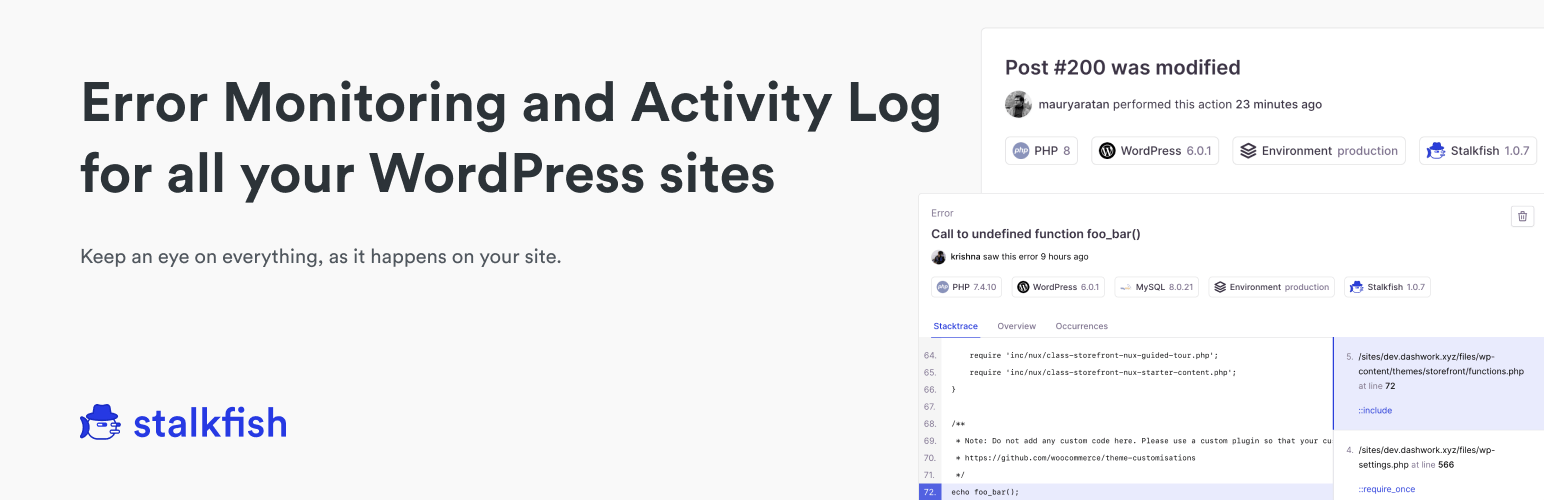
Stalkfish – Error Monitoring and Activity Log Monitoring Security & Risk Analysis
wordpress.org/plugins/stalkfishStalkfish actively tracks error, crashes, and activity log on your WordPress site and sends them to your Stalkfish dashboard.
Is Stalkfish – Error Monitoring and Activity Log Monitoring Safe to Use in 2026?
Generally Safe
Score 85/100Stalkfish – Error Monitoring and Activity Log Monitoring has no known CVEs and is actively maintained. It's a solid choice for most WordPress installations.
The "stalkfish" v1.2.1 plugin exhibits a mixed security posture. On the positive side, it demonstrates good practices by using prepared statements for all SQL queries and properly escaping a high percentage of its output. The absence of recorded CVEs and common vulnerability types in its history suggests a relatively stable past, potentially indicating diligent development or infrequent audits. However, significant concerns arise from its attack surface. With 5 total entry points, 3 are unprotected, including 2 AJAX handlers and 1 REST API route lacking permission callbacks. This presents a clear opportunity for unauthenticated attackers to interact with sensitive plugin functionalities. Furthermore, the taint analysis reveals one flow with unsanitized paths, flagged as high severity. This indicates a potential for attackers to inject malicious data that is not properly handled, leading to unintended consequences or security breaches. The presence of the `assert` dangerous function, while only one instance, warrants attention as it can be misused. The plugin also performs external HTTP requests, which could be a vector if not carefully managed and authenticated. The bundled Select2 library, while common, could also be a potential point of vulnerability if it's an outdated or insecure version (though this is not explicitly stated in the data).
Key Concerns
- Unprotected AJAX handlers
- Unprotected REST API route
- High severity unsanitized taint flow
- Dangerous function 'assert' present
- External HTTP requests
Stalkfish – Error Monitoring and Activity Log Monitoring Security Vulnerabilities
Stalkfish – Error Monitoring and Activity Log Monitoring Release Timeline
Stalkfish – Error Monitoring and Activity Log Monitoring Code Analysis
Dangerous Functions Found
Bundled Libraries
Output Escaping
Data Flow Analysis
Stalkfish – Error Monitoring and Activity Log Monitoring Attack Surface
AJAX Handlers 3
REST API Routes 2
WordPress Hooks 18
Maintenance & Trust
Stalkfish – Error Monitoring and Activity Log Monitoring Maintenance & Trust
Maintenance Signals
Community Trust
Stalkfish – Error Monitoring and Activity Log Monitoring Alternatives

LogDash Activity Log
logdash-activity-log
The ultimate solution for tracking activities and security issues on your WordPress site.

Activity Log – Monitor & Record User Changes
aryo-activity-log
This top rated Activity Log plugin helps you monitor & log all changes and actions on your WordPress site, so you can remain secure and organized.

Activity Logs, User Activity Tracking, Multisite Activity Log from Logtivity
logtivity
Logtivity is the activity log service for WordPress admins. Logtivity is a unified activity log platform that tracks activity and errors across all yo …

WP Admin Audit
wp-admin-audit
WP Admin Audit monitors the security-relevant activities on your site, keeps an event log and tells you when something out of the ordinary happens.

Activity Log Pro – User Activity Log, Audit Log & Security Monitor
activity-log-pro
WordPress activity log & admin user tracking. Track logins, content changes, and security events to see who did what, when, and where.
Stalkfish – Error Monitoring and Activity Log Monitoring Developer Profile
4 plugins · 3K total installs
How We Detect Stalkfish – Error Monitoring and Activity Log Monitoring
Patterns used to identify this plugin on WordPress sites during automated security audits and web crawling.
Asset Fingerprints
/wp-content/plugins/stalkfish/assets/css/settings.css/wp-content/plugins/stalkfish/assets/js/settings.js/wp-content/plugins/stalkfish/assets/js/select2/select2.full.js/wp-content/plugins/stalkfish/assets/js/settings.jsstalkfish/assets/css/settings.css?ver=stalkfish/assets/js/settings.js?ver=HTML / DOM Fingerprints
sf_settingsdata-prefixStalkfish