SnapShots Security & Risk Analysis
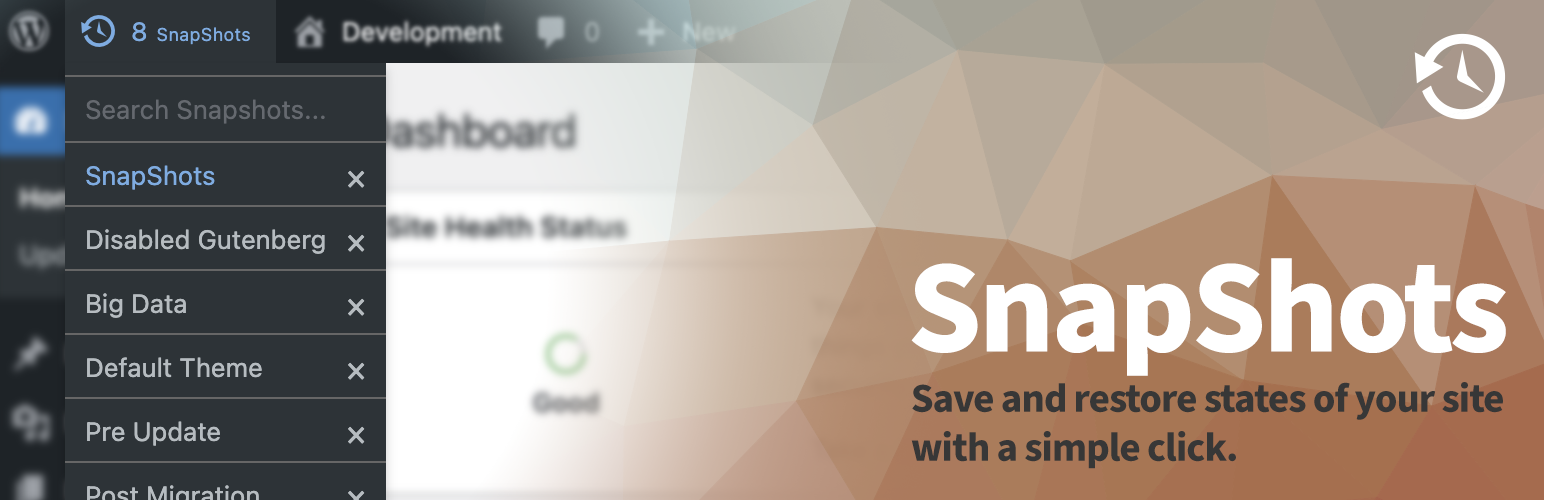
wordpress.org/plugins/snapshotsQuickly Create SnapShots of your development sites and restore them with a click.
Is SnapShots Safe to Use in 2026?
Generally Safe
Score 92/100SnapShots has no known CVEs and is actively maintained. It's a solid choice for most WordPress installations.
The 'snapshots' plugin v2.8.2 exhibits a generally good security posture, with no known historical vulnerabilities and a relatively small attack surface. The static analysis reveals a lack of unprotected entry points, indicating that basic security measures like authentication and authorization checks are likely in place for most interactions. Furthermore, the plugin demonstrates good practices in output escaping, with a high percentage of outputs being properly handled.
However, there are specific areas of concern. The presence of the 'exec' function is a significant red flag, as it can be exploited for Remote Code Execution if not handled with extreme care and sanitization. The taint analysis revealing two flows with unsanitized paths is particularly worrying in conjunction with the 'exec' function. This suggests a potential pathway for attackers to inject malicious commands. The lack of nonce checks is also a notable weakness, particularly if there are any hidden or less obvious entry points that weren't captured by the initial attack surface scan.
Overall, while the plugin's history is clean, the static analysis points to critical potential risks. The 'exec' function combined with unsanitized taint flows presents a high-risk scenario for code injection. The absence of nonce checks further amplifies this risk. It is strongly recommended to investigate and thoroughly sanitize all inputs leading to the 'exec' function and to implement nonce checks on all applicable entry points.
Key Concerns
- Dangerous function 'exec' used
- Taint flows with unsanitized paths
- No nonce checks
- SQL queries not fully prepared
- Unescaped output detected
SnapShots Security Vulnerabilities
SnapShots Release Timeline
SnapShots Code Analysis
Dangerous Functions Found
SQL Query Safety
Output Escaping
Data Flow Analysis
SnapShots Attack Surface
WordPress Hooks 5
Maintenance & Trust
SnapShots Maintenance & Trust
Maintenance Signals
Community Trust
SnapShots Alternatives

Suicide
suicide
Remove all content from your blog's database (by table). Multisite compatible.

Invizo Advanced Reset Suite
invizo-advanced-reset-suite
Reset WordPress with typed confirmations, database snapshots, and focused cleanup tools for development and staging sites.

NeksioPress
neksiopress
Professional WordPress reset tool for developers. Instantly clean your database with soft or nuclear reset modes.

Query Monitor
query-monitor
Query Monitor is the developer tools panel for WordPress and WooCommerce.

Yoast Test Helper
yoast-test-helper
This plugin makes testing Yoast SEO, Yoast SEO add-ons and integrations and resetting the different features a lot easier.
SnapShots Developer Profile
28 plugins · 118K total installs
How We Detect SnapShots
Patterns used to identify this plugin on WordPress sites during automated security audits and web crawling.
Asset Fingerprints
/wp-content/plugins/snapshots/assets/style.css/wp-content/plugins/snapshots/assets/script.js/wp-content/plugins/snapshots/assets/script.jssnapshots/style.css?ver=snapshots/script.js?ver=HTML / DOM Fingerprints
snapshot-extra-titlesearch-snapshotrestore-snapshotdelete-snapshotdata-datedata-namesnapshots