pdf office documents converter Security & Risk Analysis
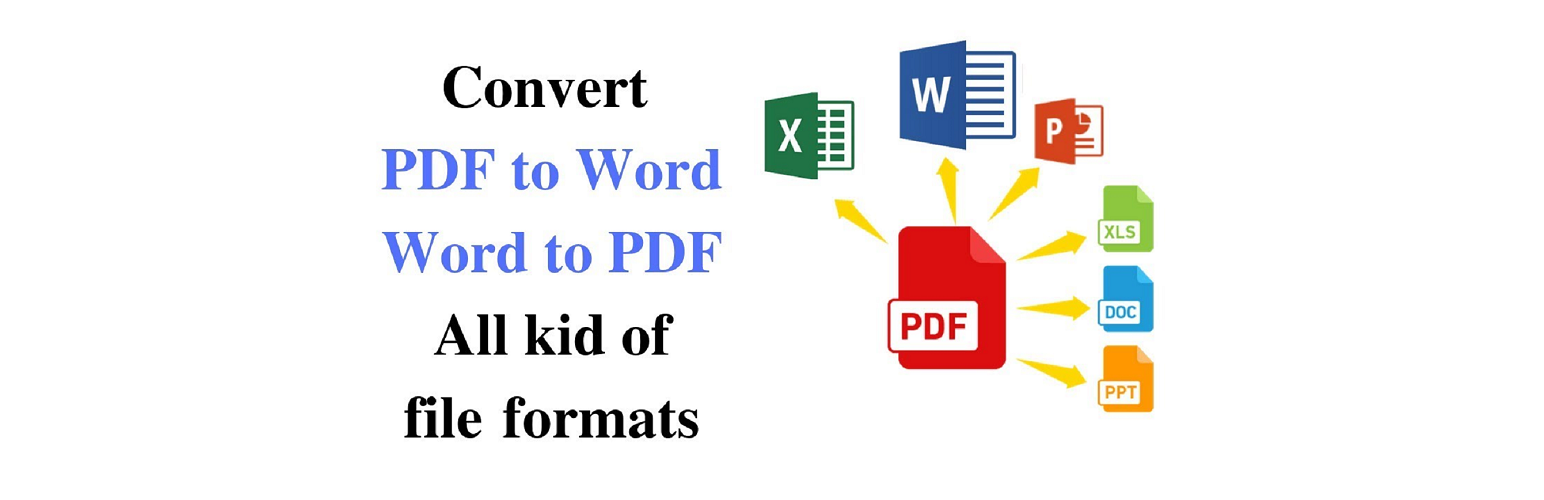
wordpress.org/plugins/pdf-office-documents-converterThe specific functions are as follows:
Is pdf office documents converter Safe to Use in 2026?
Generally Safe
Score 85/100pdf office documents converter has no known CVEs and is actively maintained. It's a solid choice for most WordPress installations.
The static analysis of the 'pdf-office-documents-converter' plugin v1.0.0 reveals a remarkably clean codebase in terms of common WordPress security pitfalls. There are no identified AJAX handlers, REST API routes, shortcodes, or cron events, resulting in a zero attack surface and no entry points to analyze. Furthermore, the code signals are generally positive, with no dangerous functions, all SQL queries utilizing prepared statements, no file operations, and no external HTTP requests. This suggests a strong adherence to secure coding practices in these areas.
However, a significant concern arises from the complete absence of nonce checks and capability checks. This indicates a lack of authorization and integrity validation for any potential, albeit currently non-existent, entry points. The low percentage of properly escaped output (10%) is also a notable weakness, potentially leaving the plugin vulnerable to Cross-Site Scripting (XSS) if any output were to occur. The taint analysis shows no identified vulnerabilities, which is encouraging, but the lack of flows analyzed makes this finding less robust. The plugin's vulnerability history is clean, with no recorded CVEs, suggesting a positive track record, but this is a small dataset with a new version.
In conclusion, while the plugin exhibits excellent security hygiene in its foundational aspects like SQL and external requests, the critical lack of nonce and capability checks, coupled with insufficient output escaping, presents a significant latent risk. If the attack surface were to expand in future versions, these unchecked entry points and unescaped outputs could become serious vulnerabilities. The absence of historical vulnerabilities is positive but should not overshadow the current analytical findings.
Key Concerns
- No capability checks found
- No nonce checks found
- Low output escaping percentage
pdf office documents converter Security Vulnerabilities
pdf office documents converter Release Timeline
pdf office documents converter Code Analysis
Output Escaping
pdf office documents converter Attack Surface
WordPress Hooks 7
Maintenance & Trust
pdf office documents converter Maintenance & Trust
Maintenance Signals
Community Trust
pdf office documents converter Alternatives

WP PDF Generator
wp-pdf-generator
Simply helps you to get your web page download as pdf

WPMK PDF Generator
wpmk-pdf-generator
This Free Plugin will provide you to add download html to pdf

EP2P – Easy PDF to Post
ep2p-easy-pdf-to-post
A clean, secure, and modern plugin to Convert PDF to WP Post drafts instantly. Zero API calls, completely private, and highly automated.

WoPo File Converter
wopo-file-converter
WoPo File Converter is an online file converter that supports nearly all audio, video, document, ebook, archive, image, spreadsheet, and presentation …

Web2PDF Converter
web2pdf-converter
This plugin convert current web page to pdf file
pdf office documents converter Developer Profile
1 plugin · 10 total installs
How We Detect pdf office documents converter
Patterns used to identify this plugin on WordPress sites during automated security audits and web crawling.
Asset Fingerprints
/wp-content/plugins/pdf-office-documents-converter/css/bootstrap.min.css/wp-content/plugins/pdf-office-documents-converter/css/layui.css/wp-content/plugins/pdf-office-documents-converter/css/style.css/wp-content/plugins/pdf-office-documents-converter/js/dropzone.js/wp-content/plugins/pdf-office-documents-converter/js/layui.js/wp-content/plugins/pdf-office-documents-converter/js/main.js/wp-content/plugins/pdf-office-documents-converter/js/dropzone.js/wp-content/plugins/pdf-office-documents-converter/js/layui.js/wp-content/plugins/pdf-office-documents-converter/js/main.jspdf-office-documents-converter/css/bootstrap.min.css?ver=pdf-office-documents-converter/css/layui.css?ver=pdf-office-documents-converter/css/style.css?ver=pdf-office-documents-converter/js/dropzone.js?ver=pdf-office-documents-converter/js/layui.js?ver=pdf-office-documents-converter/js/main.js?ver=HTML / DOM Fingerprints
dropzonelayui-tablebtn-successid="myAwesomeDropzone"id="uploadbut"id="pgDiv"id="pg"id="view"id="demo"dropzonelayui<div class="row"><div class="col-md-2"></div><div class="col-md-8"><h1>PDF To WORD</h1>