OAuth2 Account Login Security & Risk Analysis
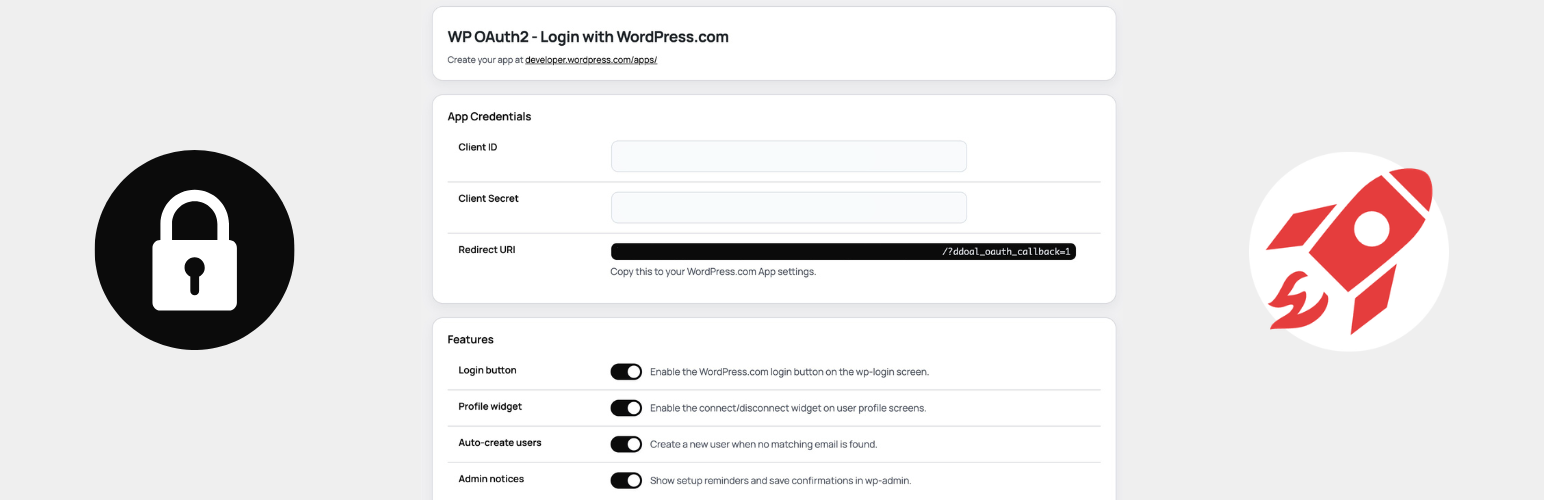
wordpress.org/plugins/oauth2-account-loginAdd WordPress.com OAuth2 login to WordPress. Let teams sign in with WordPress.com, link accounts, and avoid Jetpack. Not affiliated with Automattic.
Is OAuth2 Account Login Safe to Use in 2026?
Generally Safe
Score 100/100OAuth2 Account Login has no known CVEs and is actively maintained. It's a solid choice for most WordPress installations.
The 'oauth2-account-login' plugin version 1.0.1 exhibits a generally strong security posture based on the provided static analysis. The plugin demonstrates excellent practices by having no identified AJAX handlers, REST API routes, shortcodes, or cron events exposed in its attack surface, and critically, none of these potential entry points are left unprotected. The code signals also indicate a diligent approach to security, with no dangerous functions, file operations, or raw SQL queries detected. The consistent use of prepared statements for SQL queries and the presence of capability checks and nonce checks are positive indicators. The external HTTP requests, while present, are not inherently a security risk without further context, but their nature should be monitored.
The primary area of concern, though not critical, lies in the output escaping. With 76% of outputs properly escaped, there remains a 24% portion that is not, which could potentially lead to cross-site scripting (XSS) vulnerabilities if user-supplied data is not handled carefully. The lack of any recorded historical vulnerabilities, critical taint flows, or unpatched CVEs suggests a well-maintained and secure plugin to date. However, the absence of vulnerability history can sometimes indicate a lack of rigorous public security auditing rather than inherent perfection.
Overall, the plugin presents a low security risk. Its minimal attack surface, secure coding practices for database interactions, and absence of known vulnerabilities are significant strengths. The most notable weakness is the incomplete output escaping, which warrants attention to ensure all user-facing output is properly sanitized to prevent potential XSS issues. Continued vigilance regarding any future updates or external dependencies is recommended.
Key Concerns
- Unescaped output detected
OAuth2 Account Login Security Vulnerabilities
OAuth2 Account Login Release Timeline
OAuth2 Account Login Code Analysis
Output Escaping
OAuth2 Account Login Attack Surface
WordPress Hooks 20
Maintenance & Trust
OAuth2 Account Login Maintenance & Trust
Maintenance Signals
Community Trust
OAuth2 Account Login Alternatives

Lana Single Sign On
lana-sso
Creates the ability to login using Single Sign On via OAuth 2.0

SSO Enforcer for Jetpack
sso-enforcer-for-jetpack
Enforces Jetpack SSO as the default login method when WordPress.com login is enabled.

WP vBulletin SSO
wp-vbulletin-sso
Looking for SSO tool for your WordPress and vBulletin sites?

SSO vBulletin
sso-vbulletin
Important!!!

OpenID Connect Generic Client
daggerhart-openid-connect-generic
A simple client that provides SSO or opt-in authentication against a generic OAuth2 Server implementation.
OAuth2 Account Login Developer Profile
4 plugins · 0 total installs
How We Detect OAuth2 Account Login
Patterns used to identify this plugin on WordPress sites during automated security audits and web crawling.
Asset Fingerprints
/wp-content/plugins/oauth2-account-login/css/ddoal-login.css/wp-content/plugins/oauth2-account-login/js/ddoal-login.js/wp-content/plugins/oauth2-account-login/css/ddoal-admin.css/wp-content/plugins/oauth2-account-login/js/ddoal-admin.js/wp-content/plugins/oauth2-account-login/js/ddoal-login.js/wp-content/plugins/oauth2-account-login/js/ddoal-admin.jsoauth2-account-login/css/ddoal-login.css?ver=oauth2-account-login/js/ddoal-login.js?ver=oauth2-account-login/css/ddoal-admin.css?ver=oauth2-account-login/js/ddoal-admin.js?ver=HTML / DOM Fingerprints
wp-com-settingswp-com-settings-headerwp-com-settings-subtitlewp-com-settings-cardwp-com-card-titlewp-com-settings-tablewp-com-login-button-containerwp-com-login-button<!-- WP OAuth2 Login Button --><!-- Floating Widget --><!-- WP OAuth2 Settings --><!-- WP OAuth2 Allowlist Settings -->+1 moredata-ddoal-client-iddata-ddoal-auth-urldata-ddoal-redirect-uridata-ddoal-stateddoal_login_vars