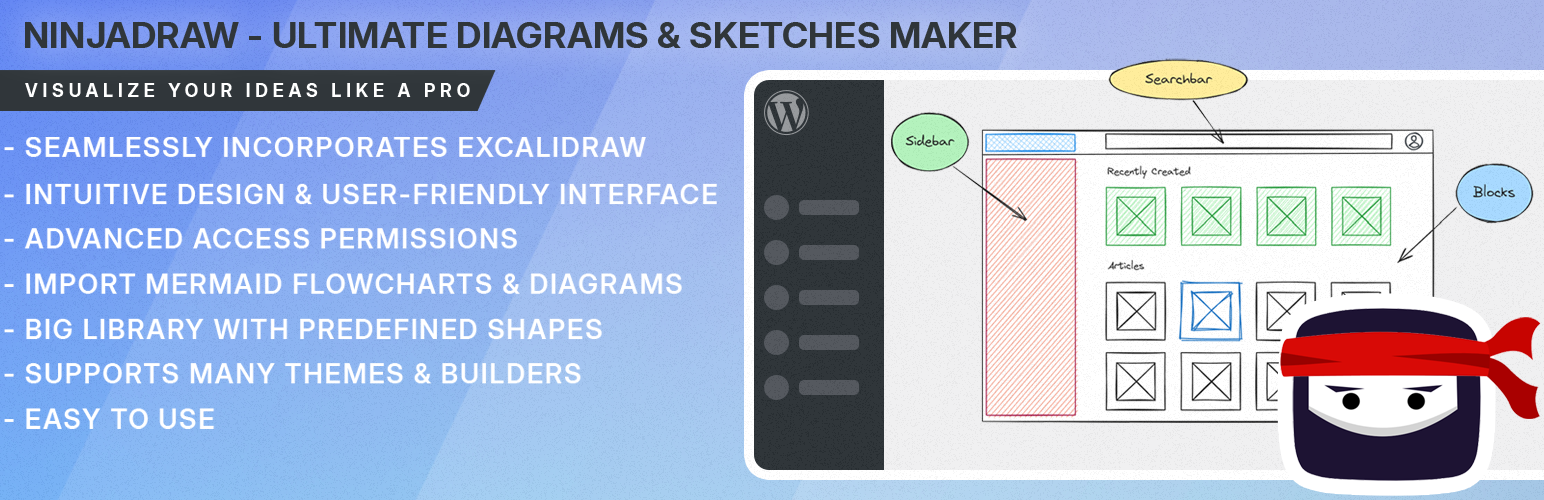
NinjaDraw – Create Diagrams, Sketches & Visual Workflows Security & Risk Analysis
wordpress.org/plugins/ninjadrawNinjaDraw - the all-in-one WordPress diagramming tool built on Excalidraw. Create flowcharts, mind maps, wireframes, and hand-drawn diagrams easily.
Is NinjaDraw – Create Diagrams, Sketches & Visual Workflows Safe to Use in 2026?
Generally Safe
Score 100/100NinjaDraw – Create Diagrams, Sketches & Visual Workflows has no known CVEs and is actively maintained. It's a solid choice for most WordPress installations.
The "ninjadraw" plugin version 1.2.1 demonstrates a strong security posture based on the provided static analysis and vulnerability history. The absence of dangerous functions, proper utilization of prepared statements for all SQL queries, and a high percentage of properly escaped outputs are significant strengths. Furthermore, the presence of nonce and capability checks on its single AJAX entry point, coupled with no recorded vulnerabilities (CVEs) or taint analysis findings, indicates a well-developed and secure plugin.
However, while the current version appears robust, a perfect score is not achievable without more comprehensive data or a deeper dive into the code. The plugin's attack surface, though small, is not explicitly detailed regarding the thoroughness of its authorization checks beyond the basic nonce and capability checks. The bundled Freemius library, although not flagged as outdated in this specific data, represents a potential area for future risk if not kept updated through the plugin's release cycle.
In conclusion, "ninjadraw" v1.2.1 is a securely developed plugin with excellent adherence to core security practices. Its clean vulnerability history further solidifies its reliability. The primary areas for continued vigilance would be ensuring the ongoing maintenance and updates of bundled libraries and maintaining a rigorous security review process for any future code changes to preserve this strong security standing.
Key Concerns
- Bundled Freemius v1.0 library
NinjaDraw – Create Diagrams, Sketches & Visual Workflows Security Vulnerabilities
NinjaDraw – Create Diagrams, Sketches & Visual Workflows Release Timeline
NinjaDraw – Create Diagrams, Sketches & Visual Workflows Code Analysis
Bundled Libraries
SQL Query Safety
Output Escaping
NinjaDraw – Create Diagrams, Sketches & Visual Workflows Attack Surface
AJAX Handlers 1
WordPress Hooks 14
Maintenance & Trust
NinjaDraw – Create Diagrams, Sketches & Visual Workflows Maintenance & Trust
Maintenance Signals
Community Trust
NinjaDraw – Create Diagrams, Sketches & Visual Workflows Alternatives

GutenDraw – Visualize Ideas with Excalidraw
gutendraw
GutenDraw: share your story with interactive diagrams and flowcharts directly in the WordPress that resonates with your audience

Social Media Icon Widget – Social Profile Links with Gutenberg Block
new-social-media-widget
Add a social media icon list. Display social icons and social profile links using a widget or a Gutenberg block.

Responsive Filterable Portfolio Gallery – Media Grid & Video Portfolio
responsive-filterable-portfolio
Build a beautiful, responsive, and filterable portfolio grid with images, videos, and custom links in minutes. Includes a native Gutenberg block.

Algori Social Share Buttons
social-share-buttons-lite
Algori Social Share Buttons is a Gutenberg Block Plugin that enables you add Social Media Share Buttons to your website.

Inline Tweet Sharer – Twitter Sharing Plugin
inline-tweet-sharer
Inline Tweet Sharer is a plugin that allows you to easily and simply create links to share your content on twitter. These links share whatever the anc …
NinjaDraw – Create Diagrams, Sketches & Visual Workflows Developer Profile
11 plugins · 170 total installs
How We Detect NinjaDraw – Create Diagrams, Sketches & Visual Workflows
Patterns used to identify this plugin on WordPress sites during automated security audits and web crawling.
Asset Fingerprints
/wp-content/plugins/ninjadraw/build/css/ninjadraw-editor.css/wp-content/plugins/ninjadraw/build/js/ninjadraw-editor.js/wp-content/plugins/ninjadraw/build/js/ninjadraw-admin.js/wp-content/plugins/ninjadraw/build/css/ninjadraw-admin.css/wp-content/plugins/ninjadraw/build/js/ninjadraw-editor.js/wp-content/plugins/ninjadraw/build/js/ninjadraw-admin.jsninjadraw/build/css/ninjadraw-editor.css?ver=ninjadraw/build/js/ninjadraw-editor.js?ver=ninjadraw/build/js/ninjadraw-admin.js?ver=ninjadraw/build/css/ninjadraw-admin.css?ver=HTML / DOM Fingerprints
ninjadraw-editorninjadraw-editor__canvasninjadraw-adminninjadraw-admin-settings__formdata-ninjadraw-iddata-ninjadraw-canvasdata-ninjadraw-settingsNinjaDrawEditorNinjaDrawAdmin/wp-json/ninjadraw/v1/wp-json/ninjadraw/public/v1[ninjadraw