MD Block Security & Risk Analysis
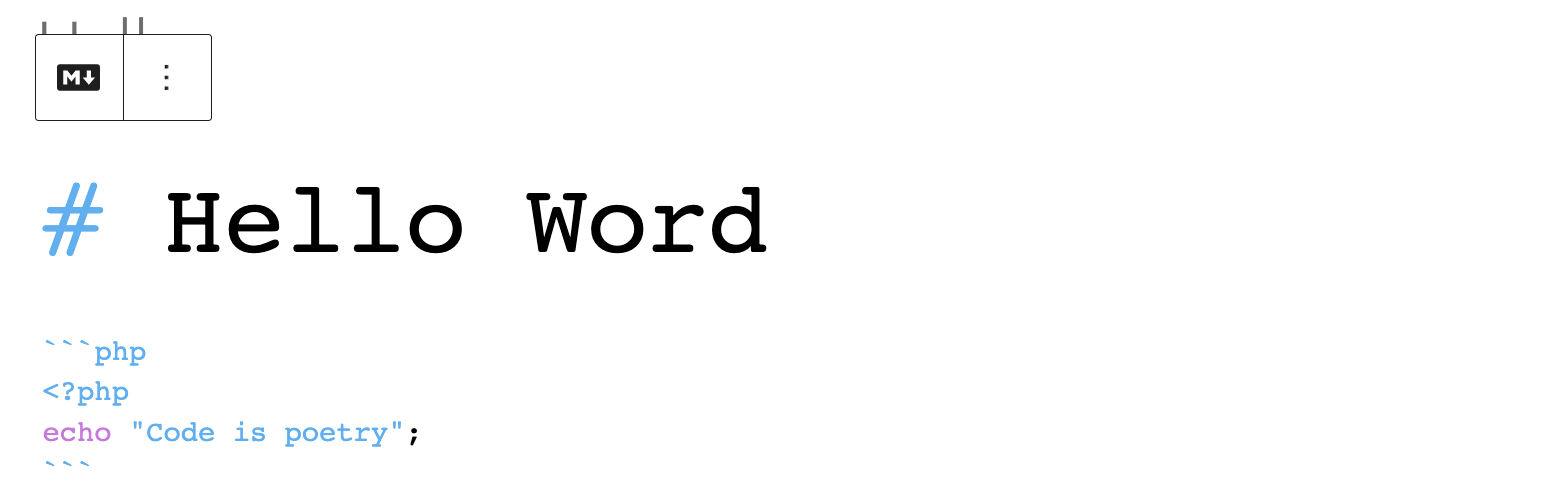
wordpress.org/plugins/md-blockA Gutenberg Block that allow to write markdown in Block Editor.
Is MD Block Safe to Use in 2026?
Generally Safe
Score 85/100MD Block has no known CVEs and is actively maintained. It's a solid choice for most WordPress installations.
The plugin 'md-block' v0.1.1 exhibits a strong security posture based on the provided static analysis. The absence of any identified dangerous functions, raw SQL queries, unescaped output, file operations, external HTTP requests, or taint flows suggests that the plugin developers have followed good coding practices concerning security. Furthermore, the lack of any recorded vulnerabilities in its history, including critical or high-severity issues, further reinforces this positive assessment. This indicates a well-maintained and secure plugin. However, the analysis also reveals a complete absence of capability checks and nonce checks, and a zero-entry point attack surface. While the current version seems secure, this lack of basic security mechanisms means that if any entry points were introduced or modified in future versions without appropriate checks, vulnerabilities could easily be introduced. Therefore, while the current state is excellent, ongoing vigilance and the implementation of standard security checks in any future development would be prudent.
Key Concerns
- Missing capability checks
- Missing nonce checks
MD Block Security Vulnerabilities
MD Block Release Timeline
MD Block Code Analysis
MD Block Attack Surface
WordPress Hooks 1
Maintenance & Trust
MD Block Maintenance & Trust
Maintenance Signals
Community Trust
MD Block Alternatives

HBmarkdown For Editors
hbmarkdown-for-editors
Import a Markdown (.md) file directly into the Classic or Block Editor. One click converts it to formatted WordPress content instantly.

Pull Quotes
pull-quotes
Mark existing post text and echo it as an accessible, server-rendered floated callout.

HumanAIEdit AI Humanizer
humanaiedit-draft-rewriter
Humanize WordPress drafts with natural, editable HumanAIEdit suggestions from the block editor.

Writing Tools for the Block Editor
writing-tools-for-block-editor
A calmer, cleaner WordPress block editor — with Find & Replace, undo-on-delete, and clear formatting. Lightweight, no front-end impact.

zqdev AI UX Editor
zqdev-ai-ux-editor
AI-powered copy editor for Gutenberg. Select any block and instantly rewrite, shorten, fix grammar, or change tone — powered by Google Gemini.
MD Block Developer Profile
3 plugins · 20 total installs
How We Detect MD Block
Patterns used to identify this plugin on WordPress sites during automated security audits and web crawling.
Asset Fingerprints
/wp-content/plugins/md-block/build/index.js/wp-content/plugins/md-block/build/index.css/wp-content/plugins/md-block/build/index.jsmd-block/build/index.css?ver=md-block/build/index.js?ver=HTML / DOM Fingerprints
md-block-render