LogMate – Error Log Viewer, Debug Logger & PHP/JS Log Manager Security & Risk Analysis
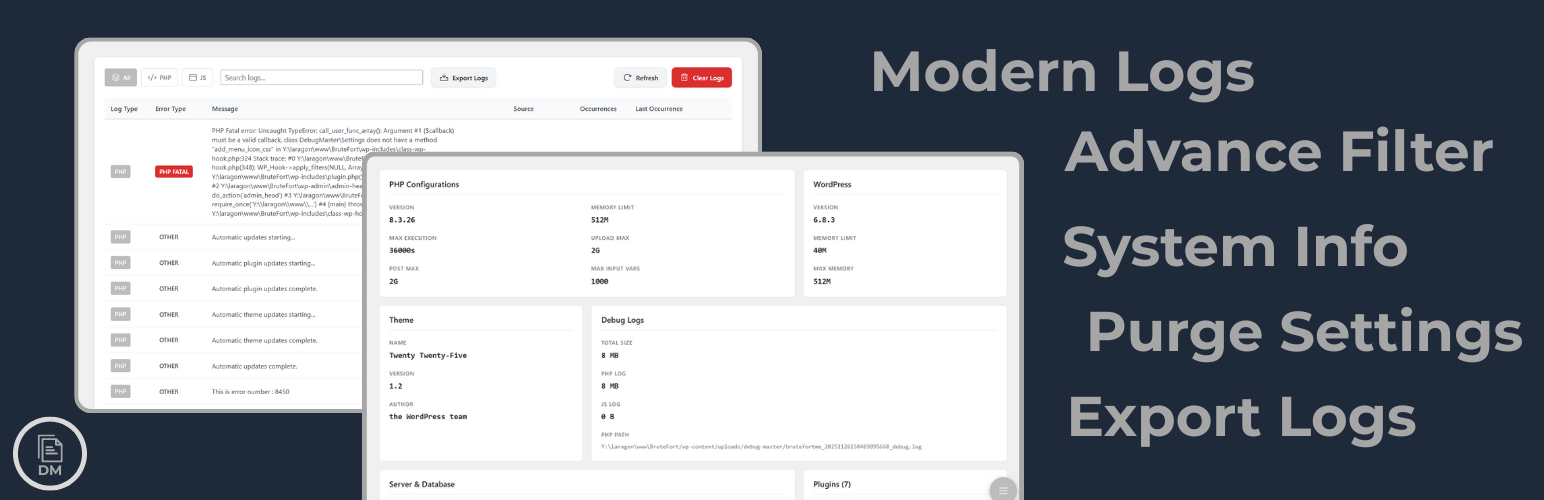
wordpress.org/plugins/logmateWordPress debug log viewer to read PHP & JS logs, search errors, purge logs, and export logs from your admin dashboard.
Is LogMate – Error Log Viewer, Debug Logger & PHP/JS Log Manager Safe to Use in 2026?
Generally Safe
Score 100/100LogMate – Error Log Viewer, Debug Logger & PHP/JS Log Manager has no known CVEs and is actively maintained. It's a solid choice for most WordPress installations.
The plugin "logmate" v1.0.0 demonstrates a strong security posture with no known CVEs and a complete absence of critical or high-severity findings in the static and taint analysis. The code adheres to good security practices by utilizing prepared statements for all SQL queries, implementing nonce checks, and performing capability checks for its limited entry points. The high percentage of properly escaped output further indicates a diligent approach to preventing cross-site scripting vulnerabilities. The plugin's attack surface is minimal, with no apparent AJAX handlers, REST API routes, shortcodes, or cron events, significantly reducing the potential for unauthorized access or manipulation. The single flow with an unsanitized path, while not flagged as critical or high severity, warrants attention as it represents a potential area for improvement in input validation, particularly if it involves file operations. Overall, "logmate" v1.0.0 appears to be a securely developed plugin, with its vulnerability history being completely clear, suggesting a commitment to security by its developers.
Key Concerns
- Flow with unsanitized path detected
LogMate – Error Log Viewer, Debug Logger & PHP/JS Log Manager Security Vulnerabilities
LogMate – Error Log Viewer, Debug Logger & PHP/JS Log Manager Release Timeline
LogMate – Error Log Viewer, Debug Logger & PHP/JS Log Manager Code Analysis
Output Escaping
Data Flow Analysis
LogMate – Error Log Viewer, Debug Logger & PHP/JS Log Manager Attack Surface
WordPress Hooks 7
Maintenance & Trust
LogMate – Error Log Viewer, Debug Logger & PHP/JS Log Manager Maintenance & Trust
Maintenance Signals
Community Trust
LogMate – Error Log Viewer, Debug Logger & PHP/JS Log Manager Alternatives

Debug Log Manager Tool
debug-log-config-tool
Read, search, and clear WordPress debug logs from wp-admin. Toggle WP_DEBUG and inspect errors without FTP.

BugTrace – Debug Log Tool
debug-log-tool
Essential WordPress debug tool: View/download logs, toggle debug settings & inspect server info. Troubleshoot PHP errors & site issues faster!

LogIQ – Intelligent Debug Log Viewer
log-iq
Stop digging through raw log files. LogIQ gives WordPress developers a smart, searchable, and beautiful debug log viewer — right inside the admin.

Cron Error Silence
cron-error-silence
Silence noisy WordPress cron-related error messages and clean up your debug logs – without affecting core functionality.

LogWatch
logwatch
Monitor and analyze PHP error logs directly from your WordPress admin panel with smart grouping, filtering, and export capabilities.
LogMate – Error Log Viewer, Debug Logger & PHP/JS Log Manager Developer Profile
2 plugins · 0 total installs
How We Detect LogMate – Error Log Viewer, Debug Logger & PHP/JS Log Manager
Patterns used to identify this plugin on WordPress sites during automated security audits and web crawling.
Asset Fingerprints
/wp-content/plugins/logmate/dist/assets/index.js/wp-content/plugins/logmate/dist/assets/vendor.js/wp-content/plugins/logmate/dist/assets/index.js/wp-content/plugins/logmate/dist/assets/vendor.jslogmate/dist/assets/index.js?ver=logmate/dist/assets/vendor.js?ver=HTML / DOM Fingerprints
logmate-admin-appdata-logmate-urldata-logmate-noncelogmate_vars/wp-json/logmate/