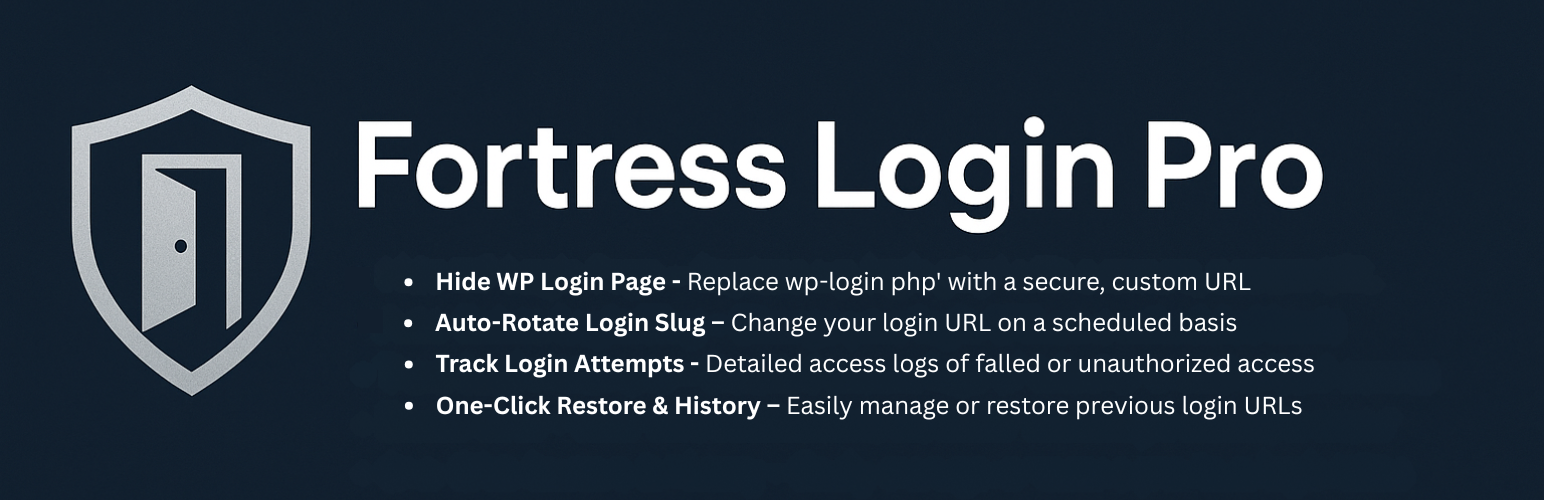
Fortress Login Pro – Secure, Hide & Rename Login URL Security & Risk Analysis
wordpress.org/plugins/fortress-login-proHide and rotate your WordPress login URL. Track access, export logs, and prevent brute-force attacks with real-time visibility.
Is Fortress Login Pro – Secure, Hide & Rename Login URL Safe to Use in 2026?
Generally Safe
Score 92/100Fortress Login Pro – Secure, Hide & Rename Login URL has no known CVEs and is actively maintained. It's a solid choice for most WordPress installations.
The "fortress-login-pro" v1.1.3 plugin exhibits a mixed security posture. On the positive side, it demonstrates good practices by exclusively using prepared statements for SQL queries and having a high percentage of properly escaped output. The absence of known CVEs and dangerous functions is also a strong indicator of a well-maintained and secure codebase. However, a significant concern arises from the attack surface. With 14 AJAX handlers, 13 of which lack authentication checks, this presents a substantial risk. The taint analysis also shows 4 flows with unsanitized paths, although none were flagged as critical or high severity, this still warrants attention as it indicates potential for unintended data handling.
The lack of vulnerability history suggests the plugin has been stable, but this does not negate the risks identified in the static analysis. The 13 unprotected AJAX handlers are the most critical finding, as they can be exploited by unauthenticated users to perform actions within the plugin that might have unintended consequences, ranging from information disclosure to privilege escalation depending on the specific handler's functionality. While the plugin has strengths in its handling of database queries and output, the unprotected entry points are a clear weakness that needs to be addressed to improve its overall security.
Key Concerns
- Unprotected AJAX handlers
- Flows with unsanitized paths
Fortress Login Pro – Secure, Hide & Rename Login URL Security Vulnerabilities
Fortress Login Pro – Secure, Hide & Rename Login URL Release Timeline
Fortress Login Pro – Secure, Hide & Rename Login URL Code Analysis
Output Escaping
Data Flow Analysis
Fortress Login Pro – Secure, Hide & Rename Login URL Attack Surface
AJAX Handlers 14
WordPress Hooks 67
Scheduled Events 7
Maintenance & Trust
Fortress Login Pro – Secure, Hide & Rename Login URL Maintenance & Trust
Maintenance Signals
Community Trust
Fortress Login Pro – Secure, Hide & Rename Login URL Alternatives

Admin Safety Guard — Login Security, Limit Logins, 2FA & Brute Force Protection
admin-safety-guard
Protect your WP site from hackers for free. Limit logins, add 2FA, reCAPTCHA, block IPs, hide wp-login.php & track activity logs.

Kaya Login Captcha
kaya-login-captcha
Adds a simple captcha on login form, register form and lost-password form.

Mask My Admin – WordPress Login Security & URL Protection
maskmyadmin
A WordPress Admin URL Masking Plugin with optional IP-based whitelisting to limit access to allowed IPs only.

Admin Login Hide – PTI
admin-login-hide-pti
Easily hide or customize your WordPress login URL to enhance security and prevent unauthorized access.

Secure WordPress Admin – Change & Hide Login URL
change-hide-login-url
Secure and customize your WordPress admin login by changing the default wp-login.php URL to a custom slug and blocking unauthorized access to wp-admin …
Fortress Login Pro – Secure, Hide & Rename Login URL Developer Profile
2 plugins · 110 total installs
How We Detect Fortress Login Pro – Secure, Hide & Rename Login URL
Patterns used to identify this plugin on WordPress sites during automated security audits and web crawling.
Asset Fingerprints
/wp-content/plugins/fortress-login-pro/assets/css/base.css/wp-content/plugins/fortress-login-pro/assets/js/vendor/chart.min.js/wp-content/plugins/fortress-login-pro/assets/js/logs.js/wp-content/plugins/fortress-login-pro/assets/js/history.js/wp-content/plugins/fortress-login-pro/assets/js/slug-manager.js/wp-content/plugins/fortress-login-pro/assets/js/settings.js/wp-content/plugins/fortress-login-pro/assets/js/rotation-timer.js/wp-content/plugins/fortress-login-pro/assets/js/admin.js+1 more/wp-content/plugins/fortress-login-pro/assets/js/vendor/chart.min.js/wp-content/plugins/fortress-login-pro/assets/js/logs.js/wp-content/plugins/fortress-login-pro/assets/js/history.js/wp-content/plugins/fortress-login-pro/assets/js/slug-manager.js/wp-content/plugins/fortress-login-pro/assets/js/settings.js/wp-content/plugins/fortress-login-pro/assets/js/rotation-timer.js+1 morefortress-login-pro/assets/css/base.css?ver=1.1.3fortress-login-pro/assets/js/vendor/chart.min.js?ver=4.4.0fortress-login-pro/assets/js/logs.js?ver=1.1.3fortress-login-pro/assets/js/history.js?ver=1.1.3fortress-login-pro/assets/js/slug-manager.js?ver=1.1.3fortress-login-pro/assets/js/settings.js?ver=1.1.3fortress-login-pro/assets/js/rotation-timer.js?ver=1.1.3fortress-login-pro/assets/js/admin.js?ver=1.1.3fortress-login-pro/assets/css/template-access.css?ver=1.1.3HTML / DOM Fingerprints
fortress-login-pro-wrapfortress-login-pro-headingfortlopr-login-form-wrapper<!-- Fortress Login Pro: Admin Footer --><!-- Fortress Login Pro: Logs Section Start --><!-- Fortress Login Pro: History Section Start --><!-- Fortress Login Pro: Slug Manager Section Start -->+2 moredata-fortress-ajax-urldata-fortress-noncedata-fortress-login-urlfortressLogsDatafortressRotationDatafortressData