Easy Content Manager (ECM) – Custom Post Types, Custom Fields & Content Management Security & Risk Analysis
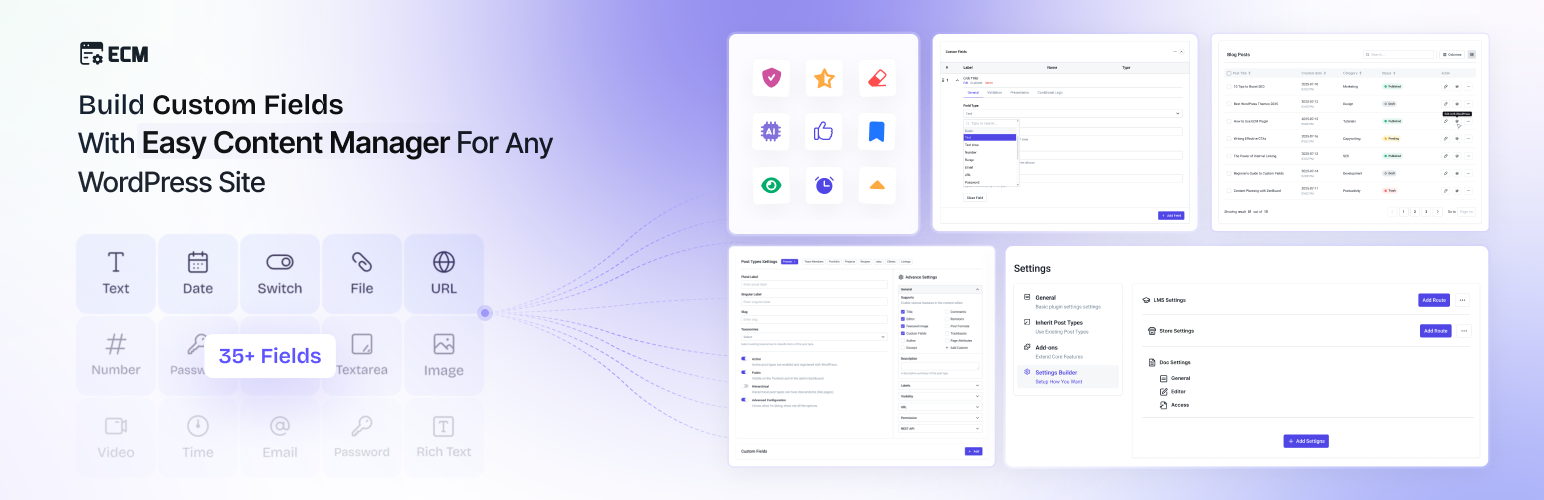
wordpress.org/plugins/easy-content-managerAdd extra data fields, custom post types and taxonomies, and manage all your WordPress content visually — without writing any code.
Is Easy Content Manager (ECM) – Custom Post Types, Custom Fields & Content Management Safe to Use in 2026?
Generally Safe
Score 100/100Easy Content Manager (ECM) – Custom Post Types, Custom Fields & Content Management has no known CVEs and is actively maintained. It's a solid choice for most WordPress installations.
The "easy-content-manager" v1.2.1 plugin exhibits a generally good security posture, with strong adherence to secure coding practices. Notably, all SQL queries are properly prepared, and a very high percentage of output is correctly escaped, significantly mitigating common risks like SQL injection and cross-site scripting. The absence of known CVEs and a clean vulnerability history further indicate a history of secure development. The plugin also demonstrates good use of capability checks and a reasonable number of file operations without apparent issues.
However, the plugin does present some potential security concerns. The presence of two REST API routes without permission callbacks creates an attack surface that could be exploited by authenticated users or, if not properly handled by WordPress itself, potentially unauthenticated users. While taint analysis shows no critical or high severity flows, this could be due to the limited scope of analysis or the nature of the code. The single recorded nonce check is also a point of concern, especially given the unprotected REST API endpoints. The bundled Freemius library, while not explicitly flagged as outdated in the provided data, could become a risk if it's not kept up-to-date with security patches by the developer.
In conclusion, the plugin is strong in its core secure coding practices like prepared statements and output escaping. The primary areas for improvement are the protection of its REST API endpoints and ensuring robust nonce usage across all potential entry points. The developer should actively monitor the Freemius library for updates and consider implementing stricter access controls for the REST API routes to further harden the plugin.
Key Concerns
- REST API routes without permission callbacks
- Low number of nonce checks relative to entry points
- Bundled library (Freemius) without version check
Easy Content Manager (ECM) – Custom Post Types, Custom Fields & Content Management Security Vulnerabilities
Easy Content Manager (ECM) – Custom Post Types, Custom Fields & Content Management Release Timeline
Easy Content Manager (ECM) – Custom Post Types, Custom Fields & Content Management Code Analysis
Bundled Libraries
SQL Query Safety
Output Escaping
Easy Content Manager (ECM) – Custom Post Types, Custom Fields & Content Management Attack Surface
REST API Routes 2
Shortcodes 1
WordPress Hooks 48
Maintenance & Trust
Easy Content Manager (ECM) – Custom Post Types, Custom Fields & Content Management Maintenance & Trust
Maintenance Signals
Community Trust
Easy Content Manager (ECM) – Custom Post Types, Custom Fields & Content Management Alternatives

Big Boom Directory
big-boom-directory
Directory management system based on Custom Post Types, Taxonomies, and Fields

Advanced Custom Fields (ACF®)
advanced-custom-fields
ACF helps customize WordPress with powerful, professional and intuitive fields. Proudly powering over 2 million sites, WordPress developers love ACF.

Custom Post Type UI
custom-post-type-ui
Admin UI for creating custom content types like post types and taxonomies

Meta Box
meta-box
Meta Box plugin is a powerful, professional developer toolkit to create custom meta boxes and custom fields for your custom post types in WordPress.

Pods – Custom Content Types and Fields
pods
Pods is a framework for creating, managing, and deploying customized content types and fields for any project.
Easy Content Manager (ECM) – Custom Post Types, Custom Fields & Content Management Developer Profile
8 plugins · 5K total installs
How We Detect Easy Content Manager (ECM) – Custom Post Types, Custom Fields & Content Management
Patterns used to identify this plugin on WordPress sites during automated security audits and web crawling.
Asset Fingerprints
/wp-content/plugins/easy-content-manager/assets/build/backend.css/wp-content/plugins/easy-content-manager/assets/lib/css/easy-content-manager-icon/style.css/wp-content/plugins/easy-content-manager/assets/build/backend.1.2.1.js/wp-content/plugins/easy-content-manager/assets/build/frontend.css/wp-content/plugins/easy-content-manager/assets/build/frontend.1.2.1.js/wp-content/plugins/easy-content-manager/assets/build/app.css/wp-content/plugins/easy-content-manager/assets/build/app.1.2.1.js/wp-content/plugins/easy-content-manager/assets/build/editor.css+1 more/wp-content/plugins/easy-content-manager/assets/build/backend.1.2.1.js/wp-content/plugins/easy-content-manager/assets/build/frontend.1.2.1.js/wp-content/plugins/easy-content-manager/assets/build/app.1.2.1.js/wp-content/plugins/easy-content-manager/assets/build/editor.1.2.1.js/wp-content/plugins/easy-content-manager/assets/build/backend.css?ver=/wp-content/plugins/easy-content-manager/assets/lib/css/easy-content-manager-icon/style.css?ver=/wp-content/plugins/easy-content-manager/assets/build/backend.1.2.1.js?ver=/wp-content/plugins/easy-content-manager/assets/build/frontend.css?ver=/wp-content/plugins/easy-content-manager/assets/build/frontend.1.2.1.js?ver=/wp-content/plugins/easy-content-manager/assets/build/app.css?ver=/wp-content/plugins/easy-content-manager/assets/build/app.1.2.1.js?ver=/wp-content/plugins/easy-content-manager/assets/build/editor.css?ver=/wp-content/plugins/easy-content-manager/assets/build/editor.1.2.1.js?ver=HTML / DOM Fingerprints
ecm-admin-dashboardecm-frontend-editor-wrapperecm-post-type-field-wrapperecm-taxonomy-field-wrapperecm-fields-listecm-editor-block-contentecm-editor-block-toolbar<!-- Easy Content Manager --><!-- ECM Settings --><!-- ECM Addons --><!-- ECM Frontend Editor -->+1 moredata-ecm-post-typedata-ecm-taxonomydata-ecm-field-iddata-ecm-editor-initializedwindow.EasyContentManagerAdminwindow.ecm_settingswindow.ecm_addonswindow.EasyContentManagerFrontendwindow.ecm_localize/wp-json/easy-content-manager/v1/settings/wp-json/easy-content-manager/v1/addons[easy_content_manager][ecm_display_field][ecm_form]