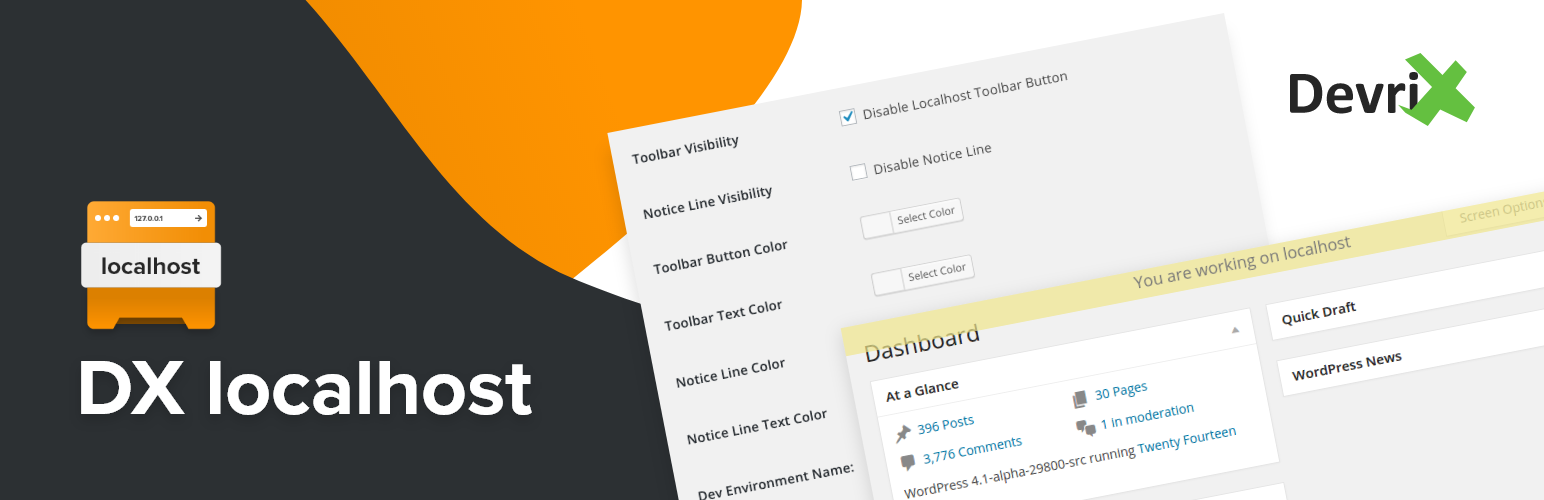
DX localhost Security & Risk Analysis
wordpress.org/plugins/dx-localhostDisplay a yellow notice box when you're working on localhost
Is DX localhost Safe to Use in 2026?
Generally Safe
Score 85/100DX localhost has no known CVEs and is actively maintained. It's a solid choice for most WordPress installations.
The "dx-localhost" v1.5 plugin exhibits a generally strong security posture in many areas. Its lack of external dependencies, file operations, and HTTP requests are positive signs. Furthermore, the absence of known CVEs and a clean vulnerability history suggest a mature and well-maintained codebase regarding past security issues.
However, the static analysis reveals significant concerns regarding output escaping, with only 6% of outputs being properly escaped. This indicates a high potential for cross-site scripting (XSS) vulnerabilities, especially if user-supplied data is reflected in the output without adequate sanitization. The taint analysis showing two flows with unsanitized paths, even without critical or high severity, is also a red flag. While not currently flagged as severe, these unsanitized paths are potential entry points for malicious input that could be exploited if the application logic evolves or if attackers find ways to leverage them.
In conclusion, while the plugin has a clean history and avoids common pitfalls like raw SQL queries, the low output escaping rate and identified unsanitized paths present real security risks. The plugin's small attack surface is a mitigating factor, but these code-level weaknesses require attention to prevent potential vulnerabilities, particularly XSS.
Key Concerns
- Low output escaping rate
- Unsanitized paths in taint analysis
DX localhost Security Vulnerabilities
DX localhost Release Timeline
DX localhost Code Analysis
Output Escaping
Data Flow Analysis
DX localhost Attack Surface
WordPress Hooks 7
Maintenance & Trust
DX localhost Maintenance & Trust
Maintenance Signals
Community Trust
DX localhost Alternatives

WP Dev Flag
wp-dev-flag
Shows a floating badge on the front end, to visually distinguish your development site from production.

What The File
what-the-file
What The File is the best tool to find out what template parts are used to display the page you're currently viewing!

Display Environment Type
display-environment-type
Displays WordPress 5.5's environment type setting in the admin bar and the "At a Glance" dashboard widget.

Local Development
local-development
Places development notice for plugins or themes that are in local development. Prevents updating of selected plugins and themes.

WP-ngrok
wp-ngrok
Expose your local WordPress to the world. only work in your localhost
DX localhost Developer Profile
13 plugins · 5K total installs
How We Detect DX localhost
Patterns used to identify this plugin on WordPress sites during automated security audits and web crawling.
Asset Fingerprints
/wp-content/plugins/dx-localhost/assets/css/dx-localhost.cssHTML / DOM Fingerprints
dx-localhost-noticeid="dx-localhost-notice"You are working on