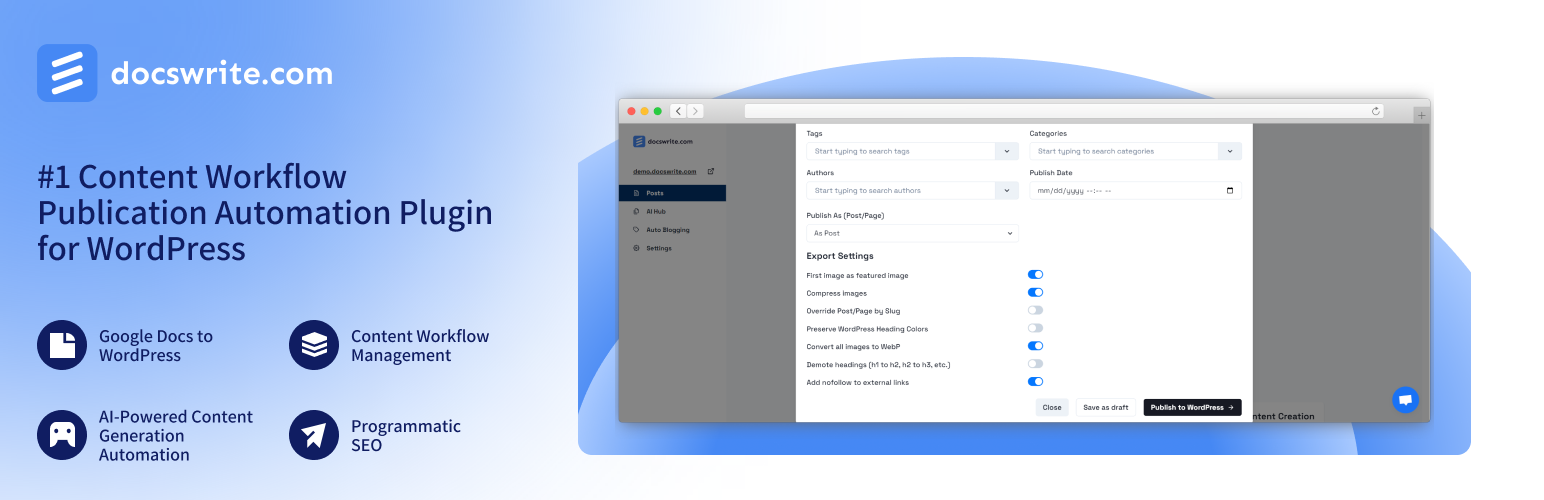
Docswrite – Export Google Docs to Your Site ✨ Security & Risk Analysis
wordpress.org/plugins/docswriteEffortlessly publish Google Docs to WordPress, preserving formatting and structure for a streamlined content workflow
Is Docswrite – Export Google Docs to Your Site ✨ Safe to Use in 2026?
Generally Safe
Score 100/100Docswrite – Export Google Docs to Your Site ✨ has no known CVEs and is actively maintained. It's a solid choice for most WordPress installations.
The docswrite v1.2.25 plugin exhibits a generally good security posture, with several positive indicators. The code uses prepared statements exclusively for its SQL queries and demonstrates a high percentage of properly escaped output, mitigating common injection and XSS risks. The absence of dangerous functions, external HTTP requests, and known CVEs in its history is also a strong positive. However, there are notable areas for improvement. The plugin exposes two unprotected entry points: one AJAX handler and one REST API route lacking permission callbacks. This creates potential attack vectors for unauthorized actions or information disclosure if these endpoints are not adequately secured at a higher level or if sensitive operations are exposed without proper authorization checks. The lack of taint analysis results is noted, but the static analysis does not reveal any direct vulnerabilities in this regard.
Key Concerns
- AJAX handler without auth checks
- REST API route without permission callbacks
Docswrite – Export Google Docs to Your Site ✨ Security Vulnerabilities
Docswrite – Export Google Docs to Your Site ✨ Release Timeline
Docswrite – Export Google Docs to Your Site ✨ Code Analysis
SQL Query Safety
Output Escaping
Docswrite – Export Google Docs to Your Site ✨ Attack Surface
AJAX Handlers 1
REST API Routes 3
WordPress Hooks 4
Maintenance & Trust
Docswrite – Export Google Docs to Your Site ✨ Maintenance & Trust
Maintenance Signals
Community Trust
Docswrite – Export Google Docs to Your Site ✨ Alternatives

MEGA AI
mega-ai
Connect your WordPress website to MEGA's AI-powered SEO platform for automated content optimization and growth.

HubApp (AI Hub) – Platform for AI Agents
hubapp
Empower AI agents to safely edit your WordPress site with a native plugin that includes mandatory previews and advanced security guardrails.

SumBoost AI – Content Growth
sumboost-ai-content-growth
Enhance your content's discoverability in AI systems with elegant, one-click buttons for ChatGPT, Claude and Perplexity AI.

UR Content AI
ur-content-ai
Generate SEO-optimized content with Gemini AI. Save time, publish faster, and upload directly to Google Docs & Drive.

All in One SEO – AI SEO Plugin to Boost SEO Rankings & Traffic (Schema, Local SEO, Sitemap & SEO Insights)
all-in-one-seo-pack
AIOSEO is the WordPress SEO plugin. Boost SEO rankings with AI SEO tools, schema, meta descriptions, XML sitemaps & rank tracking.
Docswrite – Export Google Docs to Your Site ✨ Developer Profile
1 plugin · 100 total installs
How We Detect Docswrite – Export Google Docs to Your Site ✨
Patterns used to identify this plugin on WordPress sites during automated security audits and web crawling.
Asset Fingerprints
/wp-content/plugins/docswrite/assets/css/docswrite-admin.css/wp-content/plugins/docswrite/assets/js/docswrite-admin.js/wp-content/plugins/docswrite/assets/js/docswrite-admin.jsdocswrite/assets/css/docswrite-admin.css?ver=docswrite/assets/js/docswrite-admin.js?ver=HTML / DOM Fingerprints
docswrite-containerdocswrite-headerdocswrite-logodocswrite-settings-contentdocswrite-connection-statusstatus-badgedocswrite-disconnectdocswrite-connect+1 more<!-- Settings Tab Content --><!-- Your existing settings page content here --><!-- Gettingid="website-id"name="website-id"id="connection-status"name="action"value="docswrite_disconnect"name="disconnect"+18 morewindow.docswriteAdminScripts/wp-json/docswrite/v1/sync