Disable Fullscreen Editor Mode Security & Risk Analysis
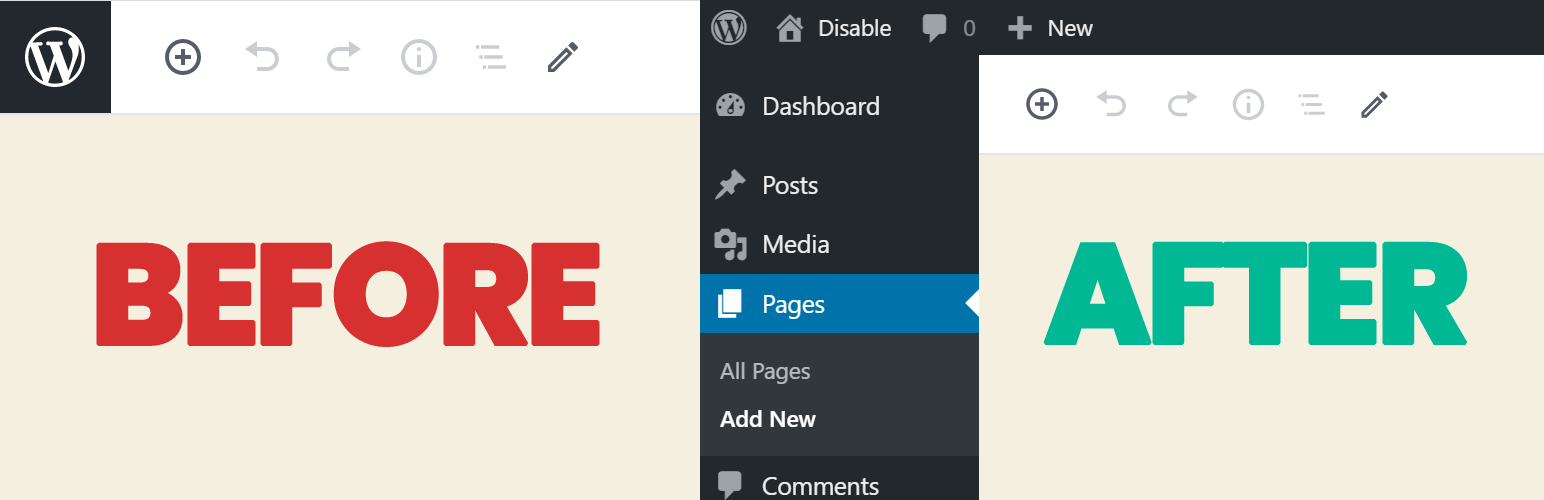
wordpress.org/plugins/disable-fullscreen-modeGutenberg Editor comes with fullscreen Editor Mode. It's a very simple plugin for disable Gutenberg fullscreen Editor mode.
Is Disable Fullscreen Editor Mode Safe to Use in 2026?
Generally Safe
Score 85/100Disable Fullscreen Editor Mode has no known CVEs and is actively maintained. It's a solid choice for most WordPress installations.
The plugin 'disable-fullscreen-mode' version 1.0.6.3 exhibits a generally strong security posture based on the provided static analysis. All identified AJAX handlers have nonce checks, and a significant portion of output operations are properly escaped. The absence of known CVEs, critical taint flows, and the consistent use of prepared statements for SQL queries are positive indicators. However, there are two flows with unsanitized paths identified during taint analysis. While these did not reach critical or high severity, they represent potential vectors for unexpected behavior or even security issues if inputs are not handled with sufficient caution. The plugin also makes external HTTP requests, which can sometimes introduce risks depending on the target and the data exchanged, although no specific issues are flagged here. Overall, the plugin is well-secured in many key areas, but the presence of unsanitized paths warrants careful review to ensure no vulnerabilities are overlooked.
Key Concerns
- Flows with unsanitized paths identified
- External HTTP requests made by plugin
Disable Fullscreen Editor Mode Security Vulnerabilities
Disable Fullscreen Editor Mode Release Timeline
Disable Fullscreen Editor Mode Code Analysis
Output Escaping
Data Flow Analysis
Disable Fullscreen Editor Mode Attack Surface
AJAX Handlers 6
WordPress Hooks 15
Maintenance & Trust
Disable Fullscreen Editor Mode Maintenance & Trust
Maintenance Signals
Community Trust
Disable Fullscreen Editor Mode Alternatives

Fullscreen mode B gone
fullscreen-mode-b-gone
Finally get rid of that pesty fullscreen mode that you need to toggle every time you use a new device or clear your browser offline website data.

Admin Bar in Fullscreen Mode
admin-bar-in-fullscreen-mode
Adds the missing WordPress admin bar in WordPress Gutenberg editor when it is fullscreen.

Disable Fullscreen and Welcome Guide
disable-fullscreen-and-welcome-guide
When a new user opens the Guteberg editor for the first time, the editor will be in fullscreen mode. This plugin disables that feature.

mowomo no default fullscreen mode
mowomo-no-default-fullscreen-mode
From WordPress 5.4 onwards, when accessing the WordPress administrator, we see that it does so in "full screen" mode by default and if you d …

Classic Editor
classic-editor
Enables the previous "classic" editor and the old-style Edit Post screen with TinyMCE, Meta Boxes, etc. Supports all plugins that extend this screen.
Disable Fullscreen Editor Mode Developer Profile
49 plugins · 43K total installs
How We Detect Disable Fullscreen Editor Mode
Patterns used to identify this plugin on WordPress sites during automated security audits and web crawling.
Asset Fingerprints
/wp-content/plugins/disable-fullscreen-mode/assets/css/plugin-survey.cssHTML / DOM Fingerprints
jltdfsm-deactivate-survey-overlayjltdfsm-deactivate-survey-modaljltdfsm-deactivate-survey-headerjltdfsm-deactivate-infojltdfsm-deactivate-content-wrapperjltdfsm-deactivate-form-wrapperjltdfsm-deactivate-input-wrapperjltdfsm-deactivate-feedback-dialog-input+2 more don't call the file directlyNo, Direct access Sir !!!FeedbackConstruct Method+2 moreid="jltdfsm-deactivate-survey-overlay"id="jltdfsm-deactivate-survey-modal"id="jltdfsm-deactivate-feedback-class="jltdfsm-deactivate-feedback-dialog-input"class="jltdfsm-deactivate-feedback-dialog-label"class="jltdfsm-deactivate-feedback-text"