DigitalME Join Button for Discord Security & Risk Analysis
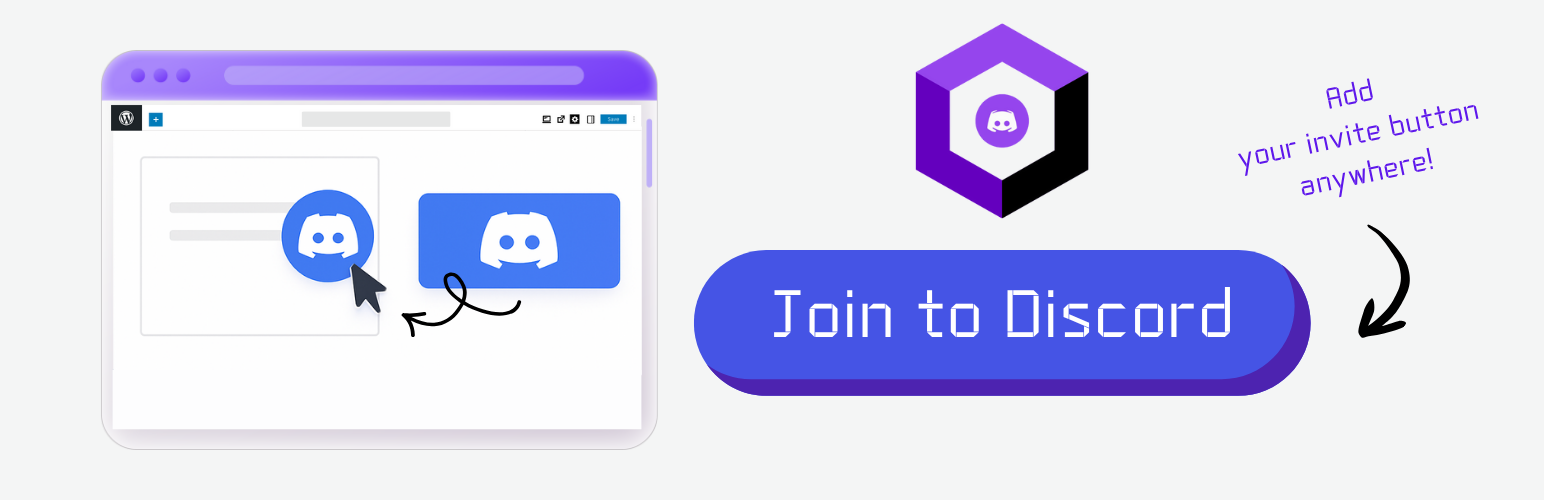
wordpress.org/plugins/digitalme-join-button-for-discordA simple shortcode and settings page to display a fixed 'Join our Discord!' button.
Is DigitalME Join Button for Discord Safe to Use in 2026?
Generally Safe
Score 100/100DigitalME Join Button for Discord has no known CVEs and is actively maintained. It's a solid choice for most WordPress installations.
The static analysis of the "digitalme-join-button-for-discord" v1.2.0 plugin reveals a generally strong security posture. The plugin has a very small attack surface, with only one shortcode and no AJAX handlers, REST API routes, or cron events. Crucially, none of these entry points are exposed without authentication or proper permission checks, which is an excellent practice. The code also demonstrates good secure coding habits, with no dangerous functions, all SQL queries using prepared statements, and all output properly escaped. The absence of file operations and external HTTP requests further reduces potential attack vectors. The vulnerability history is also clean, with no known CVEs ever recorded. This indicates a history of secure development and maintenance.
Despite these strengths, there is a notable lack of explicit security checks in the code. Specifically, the absence of nonce checks and capability checks, while not immediately exploitable due to the limited entry points and lack of direct user input handling in the analyzed code, represents a potential oversight. If the plugin's functionality were to expand or if the shortcode's behavior were to change to incorporate more dynamic content, these missing checks could become significant vulnerabilities. The taint analysis showing zero flows also suggests either a very simple plugin or that the analysis might not have been able to fully trace all potential data flows. In conclusion, while the plugin is currently very secure due to its limited functionality and adherence to basic best practices, the absence of certain standard security mechanisms leaves room for improvement and potential future risks if the plugin evolves.
Key Concerns
- Missing nonce checks
- Missing capability checks
DigitalME Join Button for Discord Security Vulnerabilities
DigitalME Join Button for Discord Release Timeline
DigitalME Join Button for Discord Code Analysis
Output Escaping
DigitalME Join Button for Discord Attack Surface
Shortcodes 1
WordPress Hooks 2
Maintenance & Trust
DigitalME Join Button for Discord Maintenance & Trust
Maintenance Signals
Community Trust
DigitalME Join Button for Discord Alternatives

Contact Form by BestWebSoft – Advanced WP Contact Form Builder for WordPress
contact-form-plugin
The most powerful and user-friendly WordPress contact form plugin. Create beautiful contact forms, widgets and pages using shortcodes.

Chat Widget: Floating Customer Support Button for 30+ Channels, Supporting SMS, Calls, and Chat – Bit Assist
bit-assist
Floating sticky chat button for WhatsApp Chat, Facebook Messenger, Telegram, Instagram, SMS, Call, Discord chat, TikTok, Line & 30+ channels

Lead Generation Contact Widget & AI Chatbot: Chat Button, Phone Call, Telegram, Email – SiteLeads
siteleads
💬 Turns visitors into leads. Contact Widget, Free AI Chatbot, WhatsApp, Instagram, Facebook Messenger, Telegram, phone call, email, 14+ channels.

Sticky Chat Widget – Floating Chat Icons, Contact Form, Call, Click to Chat, Email & Message Buttons
sticky-chat-widget
Social chat buttons with WhatsApp, Messenger, WeChat, Telegram, Instagram, TikTok, Zalo & more — plus SMS, Call button, Contact form, and 20+ icons.

Back Button Widget
back-button-widget
A simple & customizable back button, add it to any WordPress page using shortcode or widget for enhanced user navigation experience and site acces …
DigitalME Join Button for Discord Developer Profile
25 plugins · 149K total installs
How We Detect DigitalME Join Button for Discord
Patterns used to identify this plugin on WordPress sites during automated security audits and web crawling.
Asset Fingerprints
HTML / DOM Fingerprints
name="digitalme_discord_url"id="digitalme_discord_url"<a href=" target="_blank" rel="noopener noreferrer" style="display:inline-block;padding:10px 16px;border-radius:4px;text-decoration:none;font-weight:600;line-height:1.2;background:#7289DA;color:#ffffff;">Join our Discord!</a>