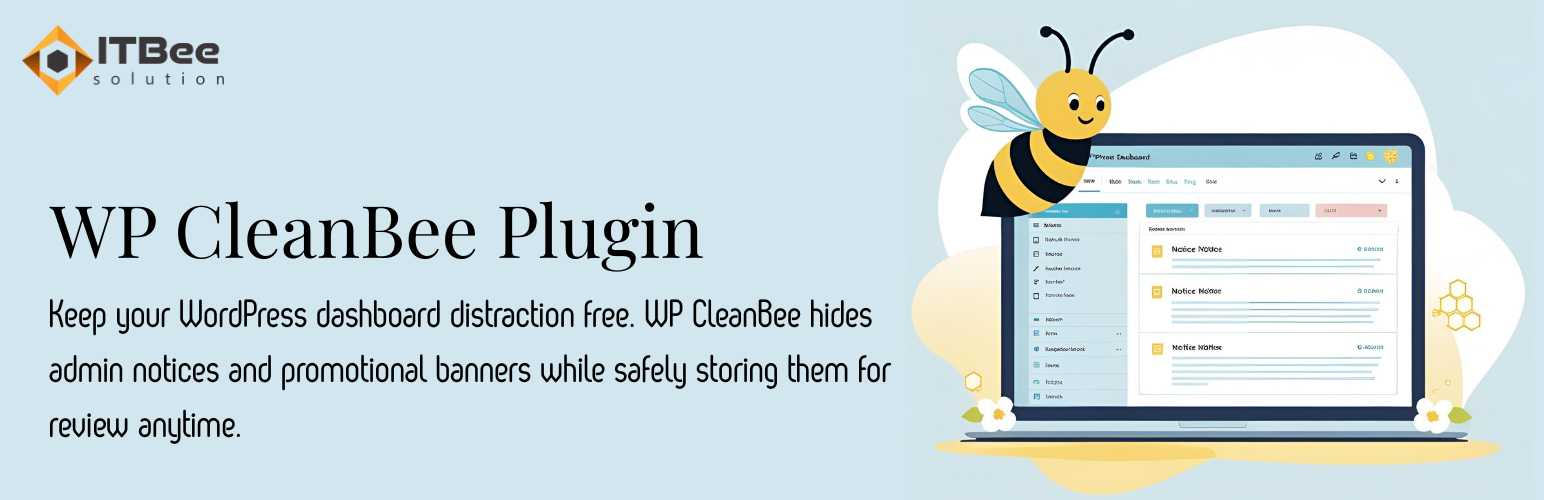
CleanBee – Hide Admin Notices Security & Risk Analysis
wordpress.org/plugins/cleanbee-hide-admin-noticesKeep your WordPress dashboard clean by hiding admin notices and promotional banners. View all hidden notices anytime from the WP CleanBee panel.
Is CleanBee – Hide Admin Notices Safe to Use in 2026?
Generally Safe
Score 100/100CleanBee – Hide Admin Notices has no known CVEs and is actively maintained. It's a solid choice for most WordPress installations.
The cleanbee-hide-admin-notices plugin v1.0.0 appears to have a strong security posture based on the provided static analysis. There are no identified AJAX handlers, REST API routes, shortcodes, or cron events, resulting in a zero attack surface. The code also shows no dangerous functions, file operations, external HTTP requests, or the use of bundled libraries, which are all positive signs. The plugin uses prepared statements for all SQL queries, and importantly, there are no recorded vulnerabilities in its history. This indicates a well-developed and likely secure plugin.
However, a significant concern is the 100% of output escaping being unescaped. With three total outputs identified, this means all of them are vulnerable to cross-site scripting (XSS) attacks if any user-supplied data is included in these outputs. While the plugin itself has no direct entry points for attackers to leverage within WordPress, the unescaped output presents a risk if the plugin's functionality indirectly allows for user-controlled data to reach these output points. The absence of capability checks and nonce checks, while potentially not exploitable due to the lack of entry points, could become a risk if future updates introduce new functionality.
In conclusion, the plugin is exceptionally secure in its current form due to a minimal attack surface and no known vulnerabilities. The sole but critical weakness lies in the complete lack of output escaping, which should be addressed immediately to prevent potential XSS vulnerabilities. The absence of capability and nonce checks is a minor concern given the current lack of entry points but represents a potential area for future improvement.
Key Concerns
- Outputs are not properly escaped
CleanBee – Hide Admin Notices Security Vulnerabilities
CleanBee – Hide Admin Notices Release Timeline
CleanBee – Hide Admin Notices Code Analysis
Output Escaping
CleanBee – Hide Admin Notices Attack Surface
WordPress Hooks 2
Maintenance & Trust
CleanBee – Hide Admin Notices Maintenance & Trust
Maintenance Signals
Community Trust
CleanBee – Hide Admin Notices Alternatives

Dash Broom
dash-broom
Hide or toggle WordPress admin notices and the Welcome panel. Clean up your dashboard with badges, per-type filters, and per-user preferences.

Dashboard Detox – Hide Marketing & Review Popups
dashboard-detox-hide-marketing-review-popups
A lightweight plugin hiding marketing popups, review nags and upsells in wp-admin, keeping your WordPress dashboard clean, quiet and distraction-free.

Disable WP Notification
disable-wp-notification
Clean your WordPress dashboard. Hide annoying admin notices, theme ads, and update alerts for your clients worldwide. Light, fast, and multi-site read …

Unnotifier — disable admin notices individually
unnotifier
Disable admin notices individually or completely. Smart plugin detection, flexible modes, clean dashboard cleanup. Free & lightweight solution.

AdsDestroyer – disable admin ad & adblocker
ads-destroyer
Disable admin ad, notices, and unwanted elements in WordPress admin. Clean interface with precise XPath selectors.
CleanBee – Hide Admin Notices Developer Profile
1 plugin · 40 total installs
How We Detect CleanBee – Hide Admin Notices
Patterns used to identify this plugin on WordPress sites during automated security audits and web crawling.
Asset Fingerprints
/wp-content/plugins/cleanbee-hide-admin-notices/assets/css/admin.csscleanbee-hide-admin-notices/assets/css/admin.css?ver=1.0.0