Automatic Expiration for Categories Security & Risk Analysis
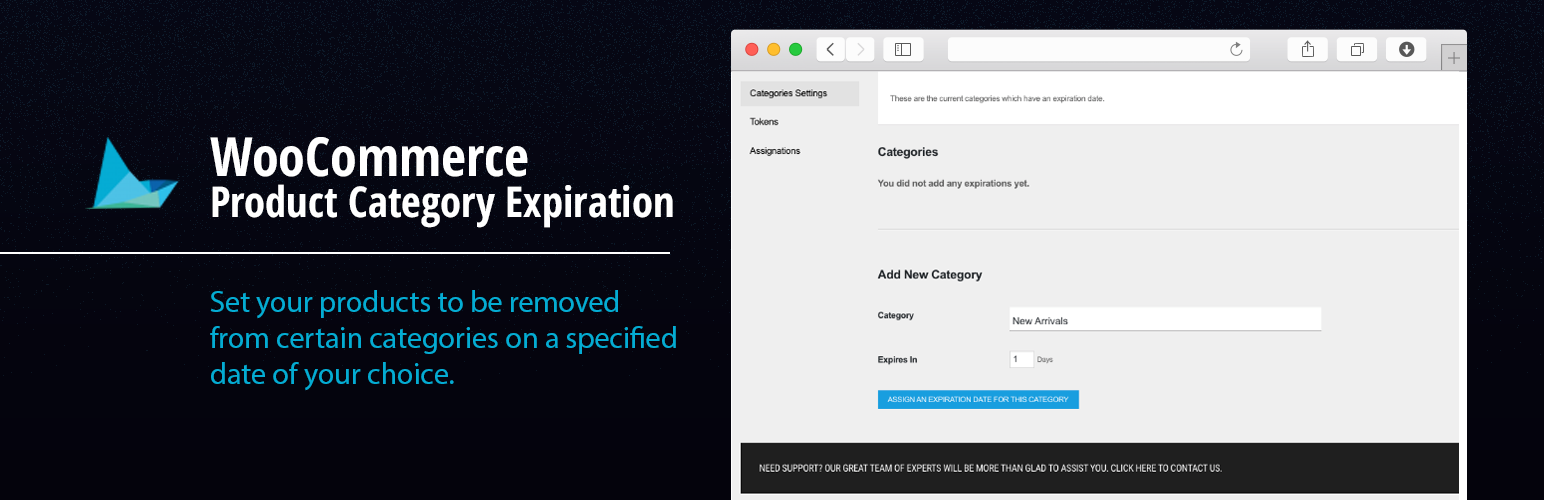
wordpress.org/plugins/categories-expiration-dateWith this plugin you will be able to set an expiration date for certain categories assigned to posts and products.
Is Automatic Expiration for Categories Safe to Use in 2026?
Generally Safe
Score 92/100Automatic Expiration for Categories has no known CVEs and is actively maintained. It's a solid choice for most WordPress installations.
The "categories-expiration-date" v0.1 plugin exhibits a mixed security posture. On the positive side, it has a very small attack surface with no apparent AJAX handlers, REST API routes, shortcodes, or cron events exposed. Furthermore, the plugin demonstrates good practices by incorporating nonce checks and capability checks, indicating some awareness of secure WordPress development. However, the static analysis reveals significant concerns regarding the handling of SQL queries and output escaping. A substantial percentage of SQL queries are not using prepared statements, and a majority of output is not properly escaped, presenting potential risks for SQL injection and cross-site scripting (XSS) vulnerabilities respectively.
The taint analysis further amplifies these concerns, identifying two high-severity flows with unsanitized paths. While the plugin has no recorded vulnerability history, this does not negate the risks identified in the static and taint analysis. The absence of past vulnerabilities could be due to its low adoption, lack of targeted attacks, or simply that the identified vulnerabilities have not yet been discovered or exploited. The current version, 0.1, being a very early release, also suggests it might be undergoing active development where these security gaps might be addressed in later versions.
In conclusion, while the plugin has a limited attack surface and implements some basic security measures, the identified issues with unescaped output and unsanitized SQL queries are significant. These weaknesses, coupled with high-severity taint flows, warrant caution. Users should be aware of these potential vulnerabilities, and developers should prioritize addressing the unescaped output and unsanitized SQL query issues in future updates to improve the plugin's overall security.
Key Concerns
- High severity taint flows with unsanitized paths
- SQL queries not using prepared statements
- Output not properly escaped
Automatic Expiration for Categories Security Vulnerabilities
Automatic Expiration for Categories Release Timeline
Automatic Expiration for Categories Code Analysis
SQL Query Safety
Output Escaping
Data Flow Analysis
Automatic Expiration for Categories Attack Surface
WordPress Hooks 4
Maintenance & Trust
Automatic Expiration for Categories Maintenance & Trust
Maintenance Signals
Community Trust
Automatic Expiration for Categories Alternatives

Term Taxonomy Converter
term-taxonomy-converter
Copy or convert terms from one taxonomy to another while keeping their post associations.

BulkPress – Export
bulkpress-export
Export taxonomies into formatted file compatible with BulkPress (Import) plugin.

Category Order and Taxonomy Terms Order
taxonomy-terms-order
Drag-and-drop ordering for Categories & any taxonomy (hierarchically) using a Drag and Drop Sortable JavaScript capability.

Far Future Expiry Header
far-future-expiry-header
This plugin will add a far future expiry header for various file types to improve page load speed of your site

Bulk Term Generator – Import multiple tags, categories, and taxonomies easily
bulk-term-generator
Streamline taxonomy management in WordPress with Bulk Term Generator, your free tool for easy, bulk term importing.
Automatic Expiration for Categories Developer Profile
15 plugins · 48K total installs
How We Detect Automatic Expiration for Categories
Patterns used to identify this plugin on WordPress sites during automated security audits and web crawling.
Asset Fingerprints
/wp-content/plugins/categories-expiration-date/assets/admin.css