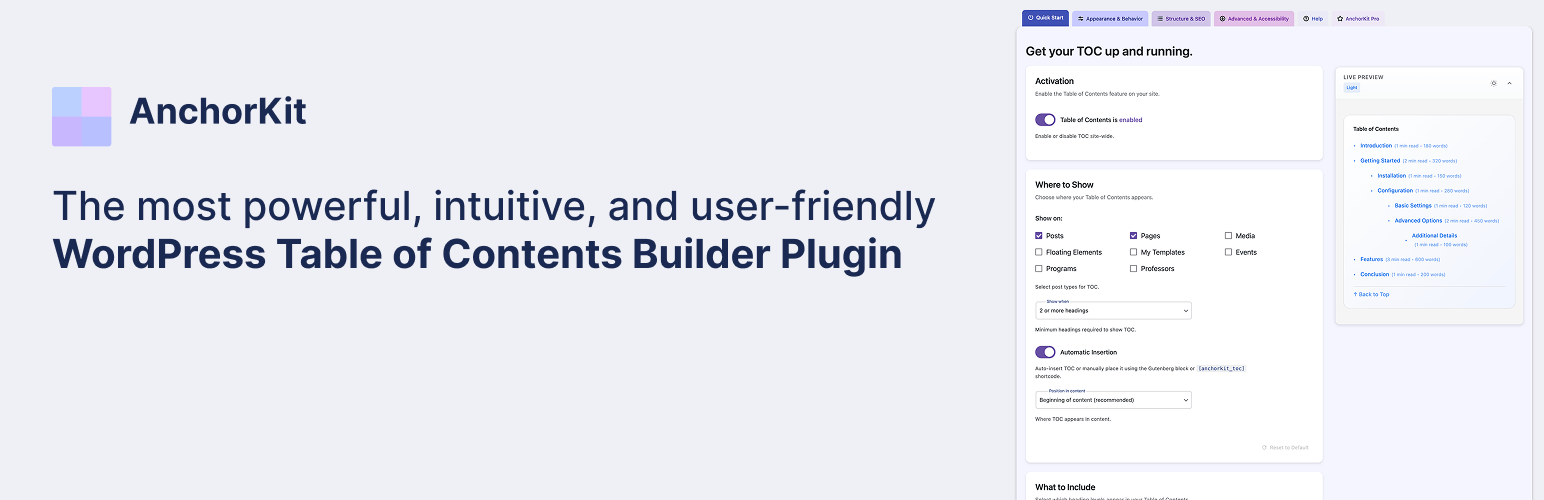
Table of Contents – AnchorKit Security & Risk Analysis
wordpress.org/plugins/anchorkit-table-of-contentsTable of contents plugin with a Gutenberg block, Elementor widget, auto-insert, smooth anchor links, and accessible, customizable styling.
Is Table of Contents – AnchorKit Safe to Use in 2026?
Generally Safe
Score 100/100Table of Contents – AnchorKit has no known CVEs and is actively maintained. It's a solid choice for most WordPress installations.
The "anchorkit-table-of-contents" plugin version 1.0.0 exhibits a strong security posture based on the provided static analysis and vulnerability history. The code demonstrates excellent adherence to secure coding practices, with 100% of SQL queries utilizing prepared statements, and an impressive 99% of output correctly escaped. Furthermore, the plugin incorporates robust security checks, including nonce and capability checks for its AJAX handlers and REST API routes, and crucially, all identified entry points are protected with authentication or permission callbacks. The absence of file operations and external HTTP requests further reduces the attack surface. The plugin's history is also clean, with no recorded CVEs, suggesting a well-maintained and secure codebase over time.
While the static analysis reveals no critical or high-severity issues, and the vulnerability history is pristine, the presence of a bundled library (Freemius v1.0) without a specific version check for potential vulnerabilities is a minor concern. Although no current issues are indicated, outdated bundled libraries can become a vector for zero-day exploits if not actively maintained. Overall, the plugin appears to be secure and well-developed, with the only area for potential improvement being vigilance regarding the security status of bundled third-party components.
Key Concerns
- Bundled library Freemius v1.0 without version check
Table of Contents – AnchorKit Security Vulnerabilities
Table of Contents – AnchorKit Release Timeline
Table of Contents – AnchorKit Code Analysis
Bundled Libraries
SQL Query Safety
Output Escaping
Data Flow Analysis
Table of Contents – AnchorKit Attack Surface
AJAX Handlers 4
REST API Routes 1
Shortcodes 1
WordPress Hooks 43
Maintenance & Trust
Table of Contents – AnchorKit Maintenance & Trust
Maintenance Signals
Community Trust
Table of Contents – AnchorKit Alternatives

Table Of Contents Block
table-of-contents-block
Automatically Add Table of Contents Block for your WordPress Posts & Pages

Joli Table Of Contents
joli-table-of-contents
The best Table of Contents plugin for WordPress. Auto or manual insert, Gutenberg Block, beautiful themes, onboarding wizard, and deep customization.

Table Of Contents Block
wpwing-table-of-contents-block
Adds a custom Table of Contents block.

Smart Table of Contents
anik-smart-table-of-contents
A lightweight, SEO-friendly Table of Contents plugin that automatically generates TOC from your headings with smooth scroll and collapsible features.

FYP Table of Contents – Automatic TOC Generator for Better SEO & Navigation
fyp-table-of-contents
Boost engagement and SEO with automatic table of contents. 3 beautiful templates, smart caching, smooth scrolling. Automatic or manual placement.
Table of Contents – AnchorKit Developer Profile
1 plugin · 10 total installs
How We Detect Table of Contents – AnchorKit
Patterns used to identify this plugin on WordPress sites during automated security audits and web crawling.
Asset Fingerprints
/wp-content/plugins/anchorkit-table-of-contents/build/js/frontend.js/wp-content/plugins/anchorkit-table-of-contents/build/css/frontend.cssanchorkit-table-of-contents/build/js/frontend.js?ver=anchorkit-table-of-contents/build/css/frontend.css?ver=HTML / DOM Fingerprints
anchorkit-toc-containeranchorkit-toc-elementoranchorkit-toc-custom-stylinganchorkit-toc-instance-overrideanchorkit-preview-contentdata-anchorkit-instancedata-anchorkit-auto-theme