Admin Screenshots Security & Risk Analysis
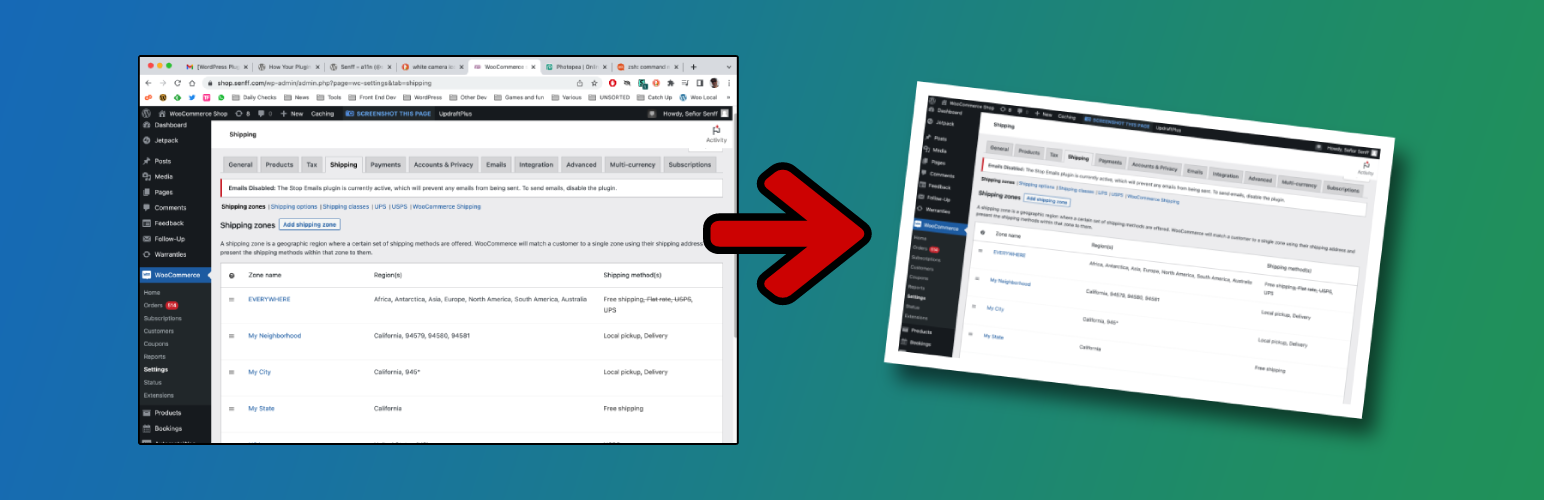
wordpress.org/plugins/admin-screenshotsWant to take a screenshot of any page in your admin Dashboard and share it with someone else? It couldn't be easier with Admin Screenshots!
Is Admin Screenshots Safe to Use in 2026?
Generally Safe
Score 100/100Admin Screenshots has no known CVEs and is actively maintained. It's a solid choice for most WordPress installations.
The 'admin-screenshots' plugin, version 1.0.5, exhibits a mixed security posture. On the positive side, the plugin demonstrates good practices regarding SQL queries, ensuring all are prepared, and all identified output operations are properly escaped, which are crucial for preventing common web vulnerabilities. There is also no recorded history of vulnerabilities, suggesting a generally stable codebase or a lack of past scrutiny. However, a significant concern arises from the plugin's attack surface. With two AJAX handlers identified, both lacking authentication checks, there's a clear risk of unauthorized access and execution of plugin functions. This is compounded by a lack of nonce checks, further weakening defenses against Cross-Site Request Forgery (CSRF) attacks. The absence of taint analysis findings and dangerous functions is reassuring, but the unprotected entry points are a notable weakness that demands immediate attention. The plugin's vulnerability history is a strong point, but it should not overshadow the identified static analysis risks. Overall, while the plugin has some solid security foundations, the unprotected AJAX handlers present a tangible risk that lowers its security score.
Key Concerns
- AJAX handlers without authentication
- Missing nonce checks on AJAX
Admin Screenshots Security Vulnerabilities
Admin Screenshots Release Timeline
Admin Screenshots Code Analysis
Output Escaping
Admin Screenshots Attack Surface
AJAX Handlers 2
WordPress Hooks 3
Maintenance & Trust
Admin Screenshots Maintenance & Trust
Maintenance Signals
Community Trust
Admin Screenshots Alternatives

My WP Customize Admin/Frontend
my-wp
Simply and easy-to-use the customize for Admin and Frontend. A lot of custom filters and actions, and included the developer tools.

which template file
which-template-file
Show the name of the php file of your theme used to display the current page.

What Template
what-template
Adds the current page's template name to the admin bar.

Log Deprecated Notices
log-deprecated-notices
Logs the usage of deprecated files, functions, and function arguments, and identifies where the deprecated functionality is being used.

Debug Bar – Enable WP_DEBUG from admin dashboard
enable-wp-debug-from-admin-dashboard
[ ✅ 𝐒𝐄𝐂𝐔𝐑𝐄 𝐏𝐋𝐔𝐆𝐈𝐍𝐒 b𝓎 𝒫𝓊𝓋𝑜𝓍] You can easily enable WP_DEBUG using a toolbar button. READ DESCRIPTION!
Admin Screenshots Developer Profile
9 plugins · 9K total installs
How We Detect Admin Screenshots
Patterns used to identify this plugin on WordPress sites during automated security audits and web crawling.
Asset Fingerprints
/wp-content/plugins/admin-screenshots/assets/css/admin-screenshots.css/wp-content/plugins/admin-screenshots/assets/js/html2canvas.min.js/wp-content/plugins/admin-screenshots/assets/js/admin-screenshots.js/wp-content/plugins/admin-screenshots/assets/css/admin-screenshots-front.css/wp-content/plugins/admin-screenshots/assets/js/html2canvas.min.js/wp-content/plugins/admin-screenshots/assets/js/admin-screenshots.jsadmin-screenshots/assets/css/admin-screenshots.css?ver=admin-screenshots/assets/js/html2canvas.min.js?ver=admin-screenshots/assets/js/admin-screenshots.js?ver=admin-screenshots/assets/css/admin-screenshots-front.css?ver=HTML / DOM Fingerprints
<!-- ADD THE .CSS AND .JS TO ADMIN AREA --><!-- ADD .CSS TO FRONT AREA --><!-- ADD THE SCREENSHOT BUTTON TO THE TOOLBAR --><!-- THE FUNCTION THAT CREATES A CANVAS AND SAVES IT AS AN IMAGE -->