Admin Dark Mode Security & Risk Analysis
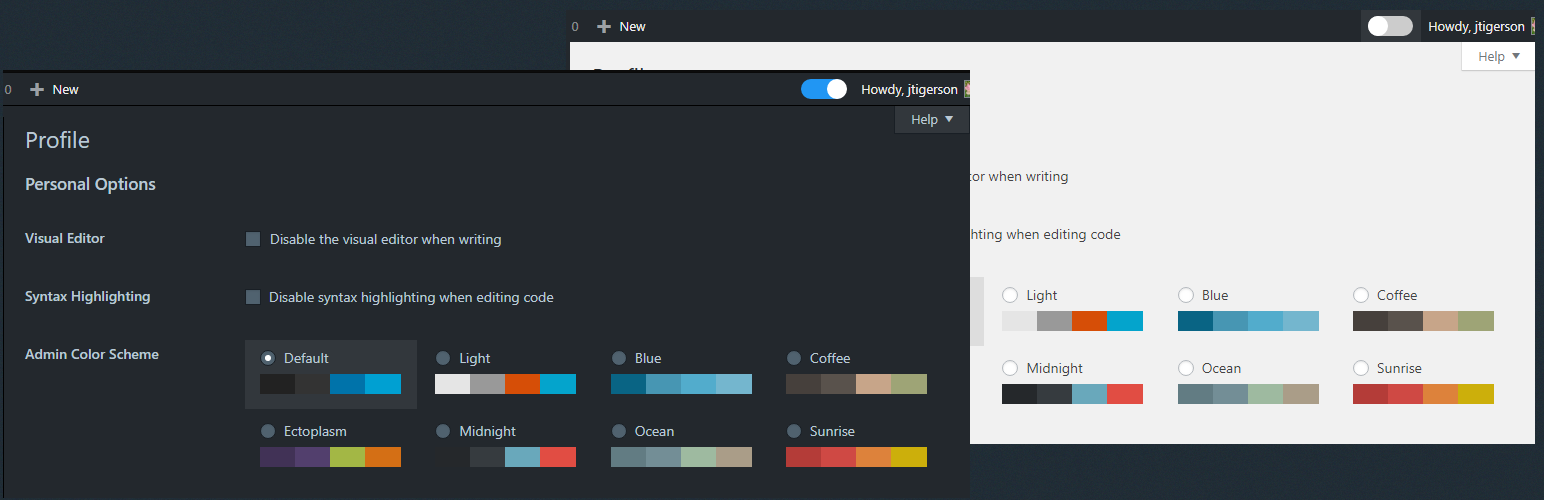
wordpress.org/plugins/admin-dark-modeLets make the WordPress admin dashboard darker with one click.
Is Admin Dark Mode Safe to Use in 2026?
Generally Safe
Score 85/100Admin Dark Mode has no known CVEs and is actively maintained. It's a solid choice for most WordPress installations.
Based on the static analysis and vulnerability history provided, the "admin-dark-mode" v1.1 plugin appears to have a strong security posture. The analysis shows a complete absence of dangerous functions, SQL injection vulnerabilities (all queries use prepared statements), and output escaping issues. Furthermore, there are no file operations, external HTTP requests, or identified taint flows, indicating robust code practices. The plugin also demonstrates good security awareness with zero recorded CVEs, suggesting a history of secure development and timely patching if issues have arisen.
While the plugin exhibits excellent secure coding practices in many areas, the complete lack of recorded nonces and capability checks across all identified entry points (AJAX, REST API, shortcodes, cron events) is a notable concern. Although the static analysis reports zero entry points, this absence of checks, if a broader attack surface existed but wasn't detected, could leave the plugin vulnerable to unauthorized actions if new entry points were introduced or if the analysis missed certain code paths. However, given the zero-entry-point finding, this concern is theoretical for the current analysis.
In conclusion, the plugin's code quality and vulnerability history are exceptionally positive, indicating a high level of security. The primary area for vigilance, based strictly on the provided data, would be the complete absence of any authorization checks (nonces, capabilities) on its limited, or currently undetected, entry points. If the attack surface remains at zero, this is less of a concern, but it's a pattern worth noting for future development.
Admin Dark Mode Security Vulnerabilities
Admin Dark Mode Release Timeline
Admin Dark Mode Code Analysis
Admin Dark Mode Attack Surface
WordPress Hooks 3
Maintenance & Trust
Admin Dark Mode Maintenance & Trust
Maintenance Signals
Community Trust
Admin Dark Mode Alternatives

Markdown Editor (Formerly Dark Mode)
dark-mode
Quickly edit content in your WordPress site by getting an immersive, peaceful and natural writing experience with the coolest editor.

DarkAdmin – Dark Mode for Adminpanel
darkadmin-dark-mode-for-adminpanel
A simple, lightweight Dark Mode plugin for the WordPress Admin Dashboard with full color customization and Auto Dark Mode support.

DarkPress
dark-press
It's a simple plugin to modify your WordPress admin interface in DarkMode

StylePress
stylepress
Add more styles to the WordPress Dashboard - Añade más estilos al escritorio de WordPress

Cozy Admin Theme
cozy-admin-theme
Transform your WordPress admin into a cozy, zen-like workspace with warm pastels, sage greens, and soft pinks.
Admin Dark Mode Developer Profile
1 plugin · 20 total installs
How We Detect Admin Dark Mode
Patterns used to identify this plugin on WordPress sites during automated security audits and web crawling.
Asset Fingerprints
/wp-content/plugins/admin-dark-mode/css/admin-dark-mode-style.css/wp-content/plugins/admin-dark-mode/css/darkmode.css/wp-content/plugins/admin-dark-mode/js/admin-dark-mode.js/wp-content/plugins/admin-dark-mode/js/admin-dark-mode.jsadmin-dark-mode/css/admin-dark-mode-style.css?ver=admin-dark-mode/css/darkmode.css?ver=admin-dark-mode/js/admin-dark-mode.js?ver=HTML / DOM Fingerprints
slideradrk-on-off-btn<!-- We need some CSS to position the paragraph --><!-- add itiem to wp admin top menu --><!-- add css in wp admin side --><!-- run plugin code -->id="drk-on-off-btn"ADMIN_DARK_MOD